QUESTION IMAGE
Question
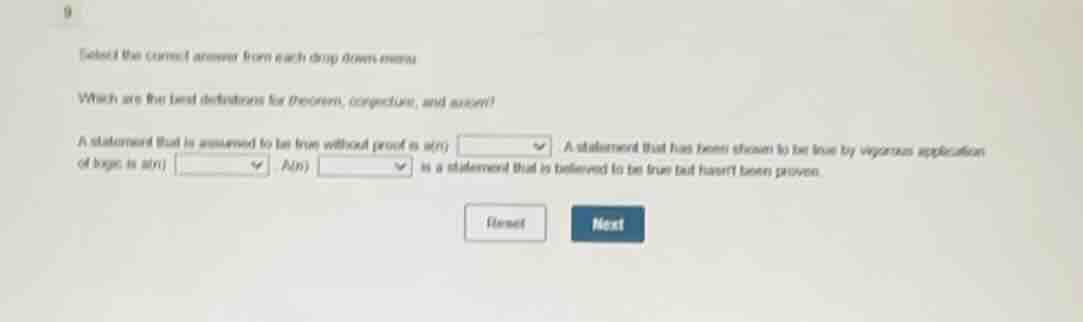
select the correct answer from each drop - down menu.
which are the best definitions for theorem, conjecture, and axiom?
a statement that is assumed to be true without proof is a(n)
a statement that has been shown to be true by vigorous application of logic is a(n) also,
is a statement that is believed to be true but hasnt been proven.
Brief Explanations
- An axiom is a foundational statement accepted as true without needing proof, forming the basis for further reasoning.
- A theorem is a statement that is rigorously proven to be true using logical steps and established principles.
- A conjecture is a statement that is believed to be true based on evidence or intuition, but has not yet been formally proven.

Snap & solve any problem in the app
Get step-by-step solutions on Sovi AI
Photo-based solutions with guided steps
Explore more problems and detailed explanations
- A statement that is assumed to be true without proof is an) axiom
- A statement that has been shown to be true by rigorous application of logic is an) theorem
- A(n) conjecture is a statement that is believed to be true but hasn't been proven.