QUESTION IMAGE
Question
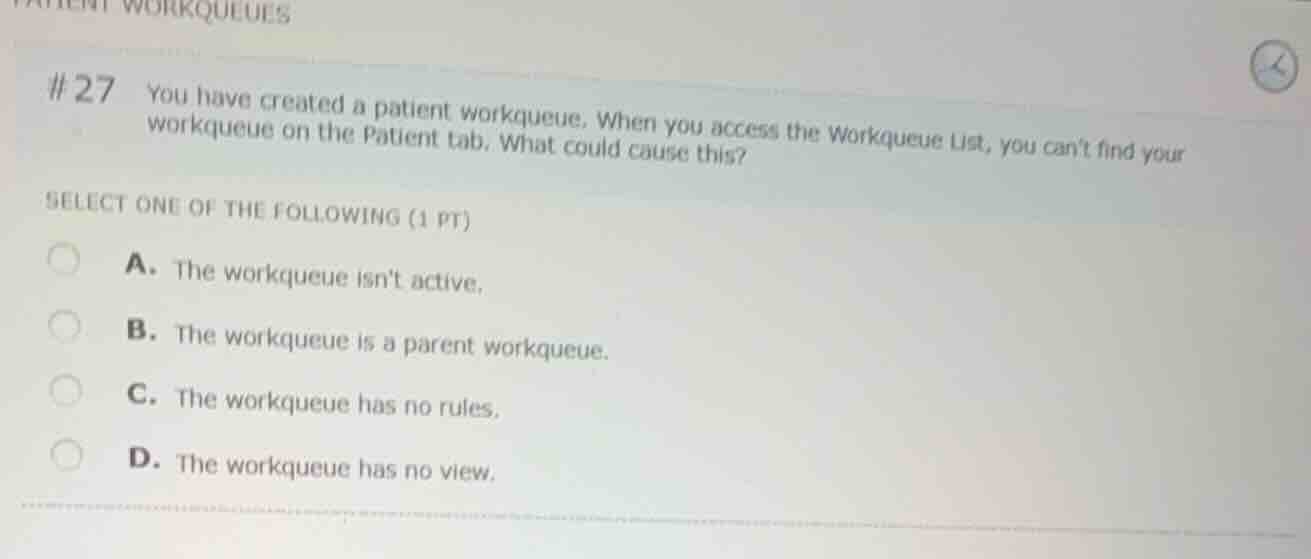
27 you have created a patient workqueue. when you access the workqueue list, you cant find your workqueue on the patient tab. what could cause this?
select one of the following (1 pt)
a. the workqueue isnt active.
b. the workqueue is a parent workqueue.
c. the workqueue has no rules.
d. the workqueue has no view.
Analyze the workqueue visibility issue
In Epic systems, when a newly created workqueue does not appear in the Workqueue List under its designated tab (such as the Patient tab), the most common administrative cause is that the workqueue record has not been set to "Active". Inactive workqueues are hidden from standard user lists to prevent them from being used before they are ready.
Evaluate the multiple-choice options
- A. The workqueue isn't active. This is correct. An inactive workqueue will not display in the standard Workqueue List.
- B. The workqueue is a parent workqueue. Parent workqueues can still be visible, and this does not inherently prevent a workqueue from appearing on its designated tab.
- C. The workqueue has no rules. A workqueue with no rules is still visible; it will simply remain empty because no records qualify for it.
- D. The workqueue has no view. "No view" is not a standard configuration setting that prevents a workqueue from appearing in the Workqueue List.

Snap & solve any problem in the app
Get step-by-step solutions on Sovi AI
Photo-based solutions with guided steps
Explore more problems and detailed explanations
- (A) The workqueue isn't active. (Correct answer)
- (B) The workqueue is a parent workqueue.
- (C) The workqueue has no rules.
- (D) The workqueue has no view.