QUESTION IMAGE
Question
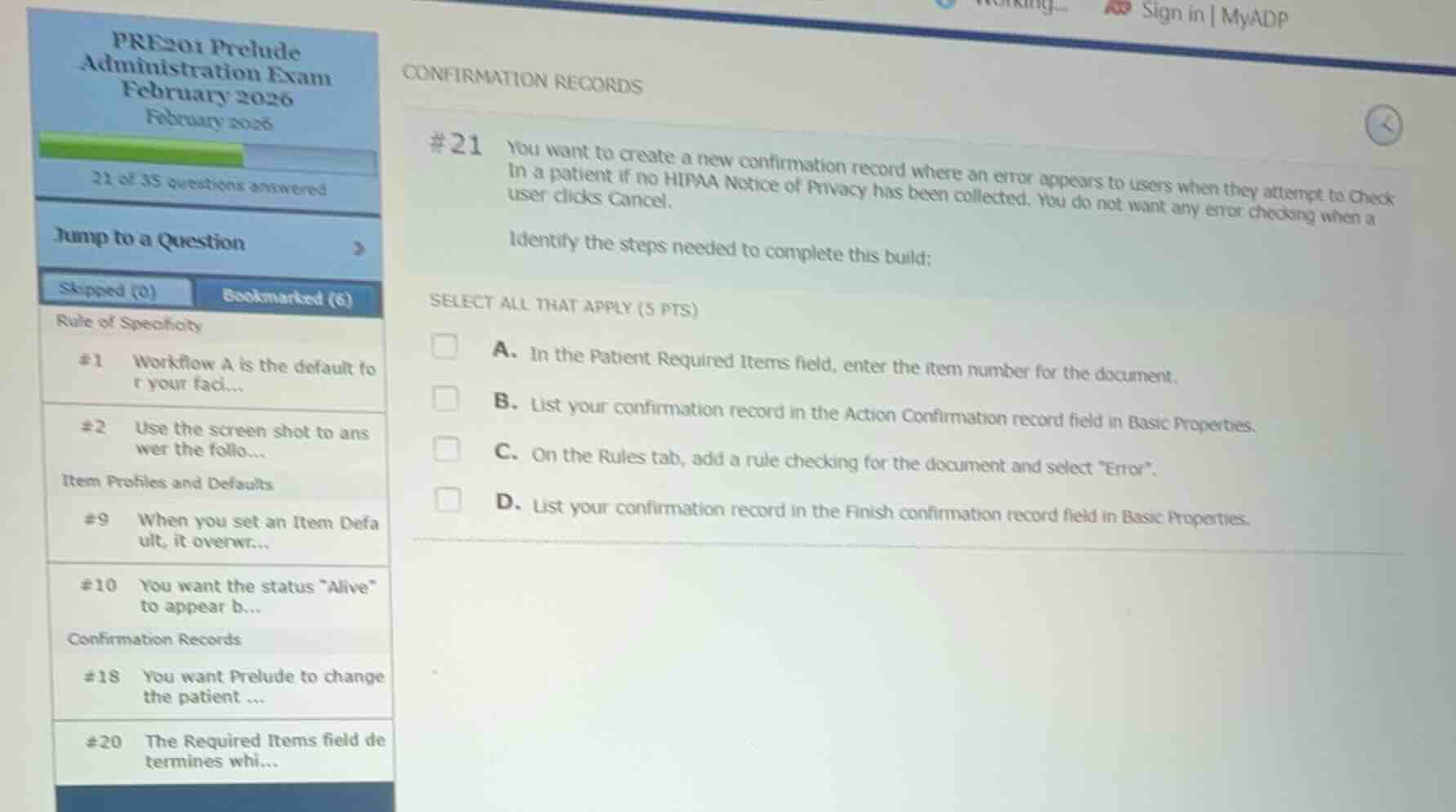
#21 you want to create a new confirmation record where an error appears to users when they attempt to check in a patient if no hipaa notice of privacy has been collected. you do not want any error checking when a user clicks cancel.
identify the steps needed to complete this build:
select all that apply (5 pts)
a. in the patient required items field, enter the item number for the document.
b. list your confirmation record in the action confirmation record field in basic properties.
c. on the rules tab, add a rule checking for the document and select \error\.
d. list your confirmation record in the finish confirmation record field in basic properties.
Analyze the build requirements
The goal is to trigger an error when a user attempts to "Check In" a patient if no HIPAA Notice of Privacy has been collected, but bypass error checking if they click "Cancel".
Evaluate the options
- A. In the Patient Required Items field, enter the item number for the document.
- This is correct. To require a document like the HIPAA Notice of Privacy, its item number must be listed in the Patient Required Items field of the configuration (such as the system definitions or department level).
- B. List your confirmation record in the Action Confirmation record field in Basic Properties.
- This is correct. The "Action Confirmation record" field is used to run validation rules when a user clicks an action button (like "Check In"). If validation fails, it prevents the action. Crucially, Action Confirmation records do not run when the user clicks "Cancel", satisfying the requirement that no error checking occurs on cancel.
- C. On the Rules tab, add a rule checking for the document and select "Error".
- This is correct. Within the confirmation record, the Rules tab is where you link the rule that checks if the required document has been collected, and you set the severity/type to "Error" to block the workflow.
- D. List your confirmation record in the Finish Confirmation record field in Basic Properties.
- This is incorrect. "Finish Confirmation" records run when the user attempts to close or finish the registration workspace as a whole, which would trigger validation even if they click "Cancel" to exit, violating the requirement.

Snap & solve any problem in the app
Get step-by-step solutions on Sovi AI
Photo-based solutions with guided steps
Explore more problems and detailed explanations
- A. In the Patient Required Items field, enter the item number for the document. (Correct answer)
- B. List your confirmation record in the Action Confirmation record field in Basic Properties. (Correct answer)
- C. On the Rules tab, add a rule checking for the document and select "Error". (Correct answer)
- D. List your confirmation record in the Finish Confirmation record field in Basic Properties.