QUESTION IMAGE
Question
question 5
1 pts
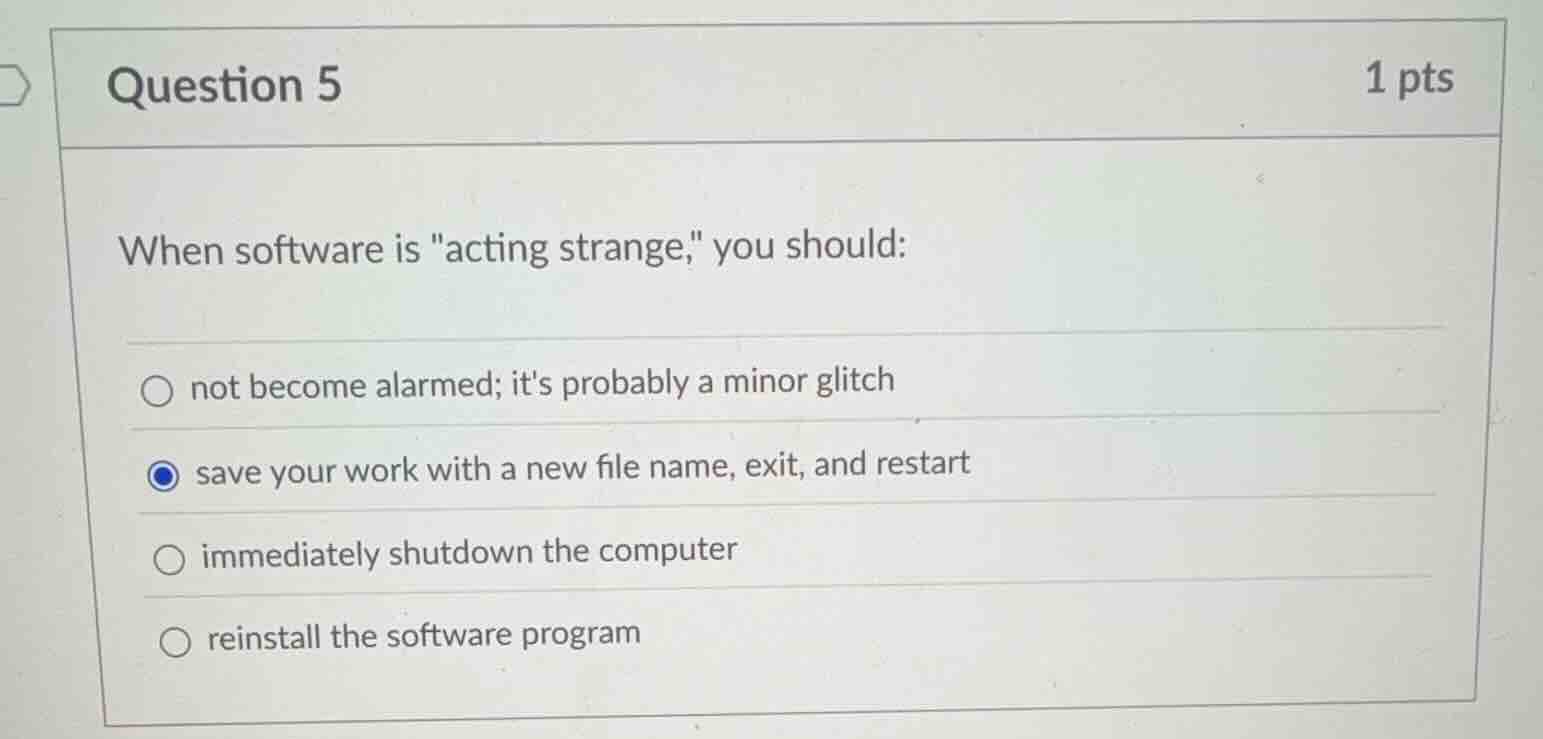
when software is \acting strange,\ you should:
not become alarmed; its probably a minor glitch
save your work with a new file name, exit, and restart
immediately shutdown the computer
reinstall the software program
Analyze the scenario
The question asks for the best immediate action when software is "acting strange." This is a fundamental concept in System Administration and basic computer literacy.
Evaluate option A
"not become alarmed; it's probably a minor glitch"
Ignoring the issue or assuming it is harmless does not protect your active data or resolve the underlying problem.
Evaluate option B
"save your work with a new file name, exit, and restart"
This is the standard best practice. Saving with a new file name prevents overwriting a good backup with potentially corrupted data. Exiting and restarting clears temporary memory issues.
Evaluate option C
"immediately shutdown the computer"
A sudden shutdown can cause unsaved data loss and potentially corrupt system files. This is only a last resort.
Evaluate option D
"reinstall the software program"
Reinstallation is a drastic troubleshooting step that is unnecessary before trying simpler solutions like restarting.

Snap & solve any problem in the app
Get step-by-step solutions on Sovi AI
Photo-based solutions with guided steps
Explore more problems and detailed explanations
- (A) not become alarmed; it's probably a minor glitch
- (B) save your work with a new file name, exit, and restart (Correct answer)
- (C) immediately shutdown the computer
- (D) reinstall the software program