QUESTION IMAGE
Question
if you click on the lower right corner of cell a9 and drag it down two rows, what will happen?
- the cells will display apr-18 and may-18
- mar-18 will move to cell a11
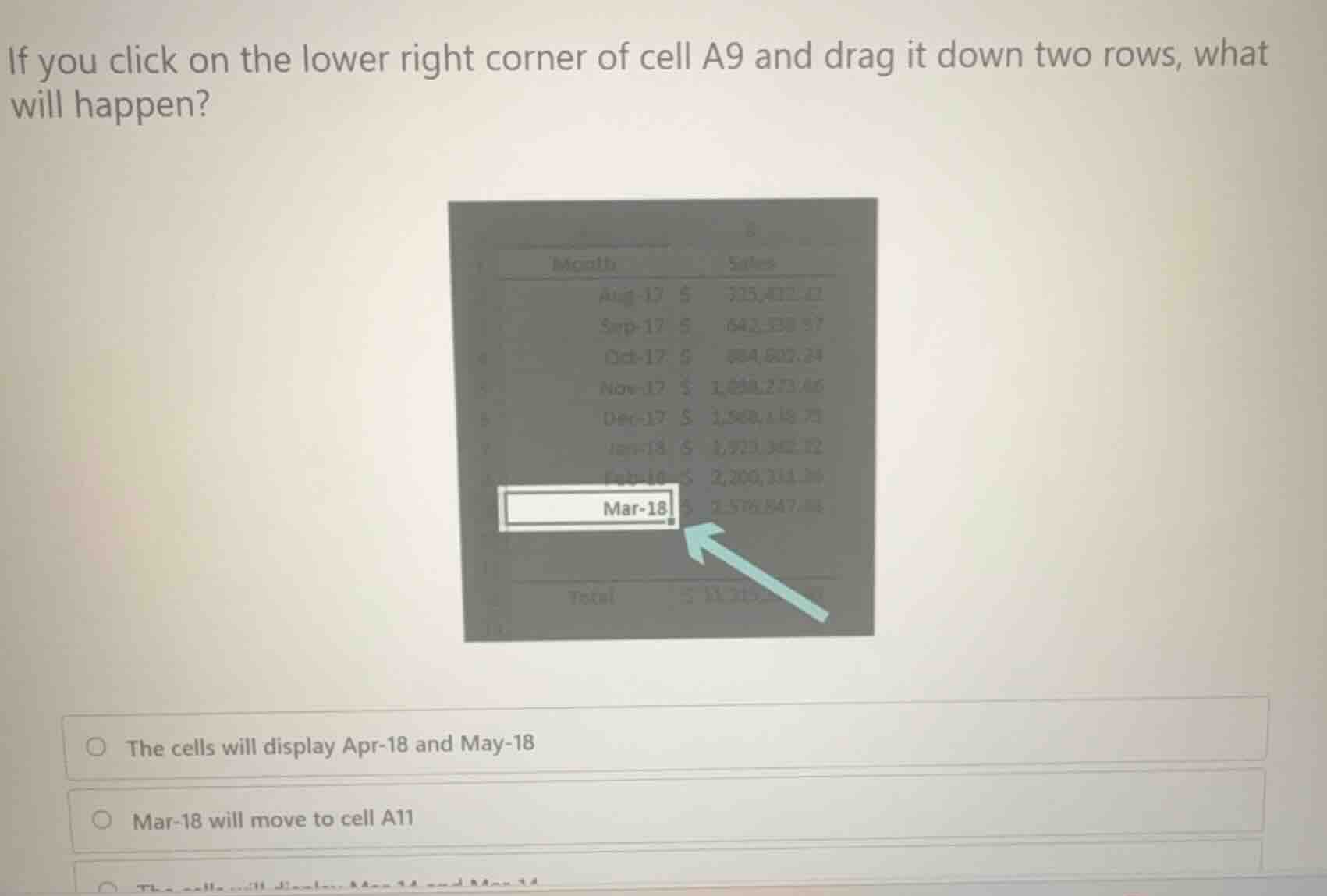
Identify the action and target cell
The user is clicking on the lower right corner of cell A9 (which contains the date value "Mar-18") and dragging it down two rows (to cells A10 and A11). This action refers to using the Excel Interface Navigation fill handle.
Analyze the behavior of the fill handle
Using Spreadsheet Software Basics, dragging the fill handle (the lower right corner of a selected cell) activates the AutoFill feature. When the source cell contains a recognized date format like "Mar-18" (Month-Year), Excel automatically extends the chronological series.
Determine the resulting values
Dragging down two rows from "Mar-18" (row 9) will fill:
- Cell A10 with the next month in the sequence: "Apr-18"
- Cell A11 with the month after that: "May-18"
Evaluate the given options
- Option 1: "The cells will display Apr-18 and May-18" matches our sequence determination.
- Option 2: "Mar-18 will move to cell A11" describes a move operation, not a fill operation.
- Option 3 (partially visible): "The cells will display Mar-18 and Mar-18" describes copying without series extension, which is not the default behavior for recognized date formats.

Snap & solve any problem in the app
Get step-by-step solutions on Sovi AI
Photo-based solutions with guided steps
Explore more problems and detailed explanations
- The cells will display Apr-18 and May-18 (Correct answer)
- Mar-18 will move to cell A11
- The cells will display Mar-18 and Mar-18