QUESTION IMAGE
Question
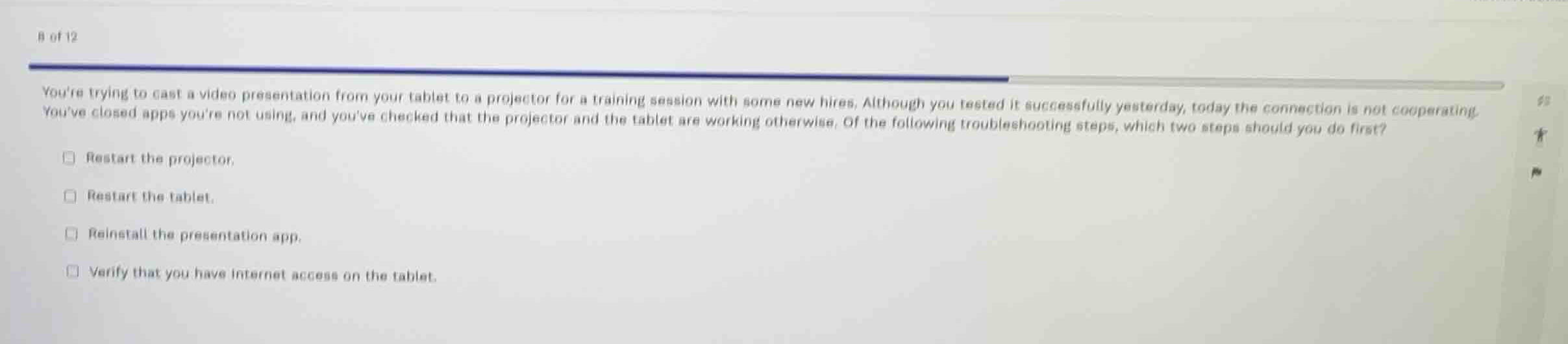
youre trying to cast a video presentation from your tablet to a projector for a training session with some new hires. although you tested it successfully yesterday, today the connection is not cooperating. youve closed apps youre not using, and youve checked that the projector and the tablet are working otherwise. of the following troubleshooting steps, which two steps should you do first?
restart the projector.
restart the tablet.
reinstall the presentation app.
verify that you have internet access on the tablet.
Analyze the scenario and options
The scenario describes a tablet failing to cast a video presentation to a projector, despite working yesterday. The tablet and projector are verified to be working individually, and unused apps have been closed. We need to select the two troubleshooting steps to perform first.
Evaluate the troubleshooting steps
- Restart the projector and Restart the tablet: Restarting the devices is a standard, non-destructive first step in troubleshooting wireless connection or casting issues to clear temporary software glitches or hung network services.
- Reinstall the presentation app: This is a time-consuming and invasive step that should not be done first, especially since the app itself works otherwise.
- Verify that you have internet access on the tablet: Local screen casting typically relies on a local network connection (Wi-Fi or Wi-Fi Direct) rather than active internet access.
Select the best first steps
Restarting both the source device (tablet) and the destination device (projector) are the most logical, quick, and effective initial troubleshooting steps.

Snap & solve any problem in the app
Get step-by-step solutions on Sovi AI
Photo-based solutions with guided steps
Explore more problems and detailed explanations
- Restart the projector. (Correct answer)
- Restart the tablet. (Correct answer)
- Reinstall the presentation app.
- Verify that you have internet access on the tablet.