QUESTION IMAGE
Question
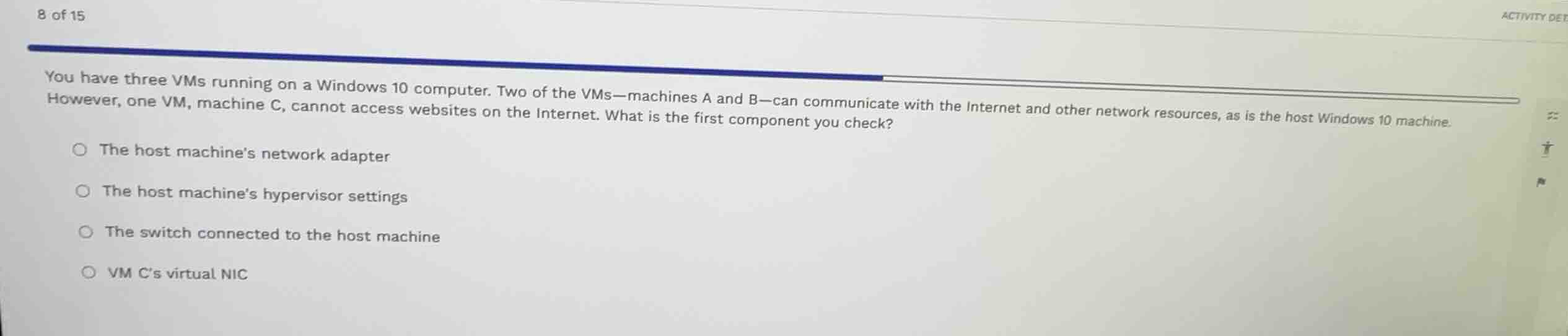
you have three vms running on a windows 10 computer. two of the vms-machines a and b-can communicate with the internet and other network resources, as is the host windows 10 machine. however, one vm, machine c, cannot access websites on the internet. what is the first component you check?
the host machines network adapter
the host machines hypervisor settings
the switch connected to the host machine
vm cs virtual nic
Analyze the network status of the host and VMs
The host Windows 10 machine, VM A, and VM B can all successfully communicate with the Internet and other network resources. This indicates that the physical network infrastructure, the host's physical network adapter, and the hypervisor's global virtual switch settings are functioning correctly.
Isolate the failure to the specific virtual machine
Since only VM C is experiencing connectivity issues, the problem is isolated to VM C itself rather than any shared host-level or physical network components. Therefore, checking host-wide components like the host's network adapter, hypervisor settings, or the physical switch is unnecessary at this stage.
Identify the first component to troubleshoot
Using the Virtual Network Interface Card and Virtual Machine Networking concepts, we isolate the issue to VM C's individual configuration. The first logical component to check is VM C's virtual network interface card (vNIC) to ensure it is connected, enabled, and assigned to the correct virtual switch.

Snap & solve any problem in the app
Get step-by-step solutions on Sovi AI
Photo-based solutions with guided steps
Explore more problems and detailed explanations
- The host machine's network adapter
- The host machine's hypervisor settings
- The switch connected to the host machine
- VM C's virtual NIC (Correct answer)