QUESTION IMAGE
Question
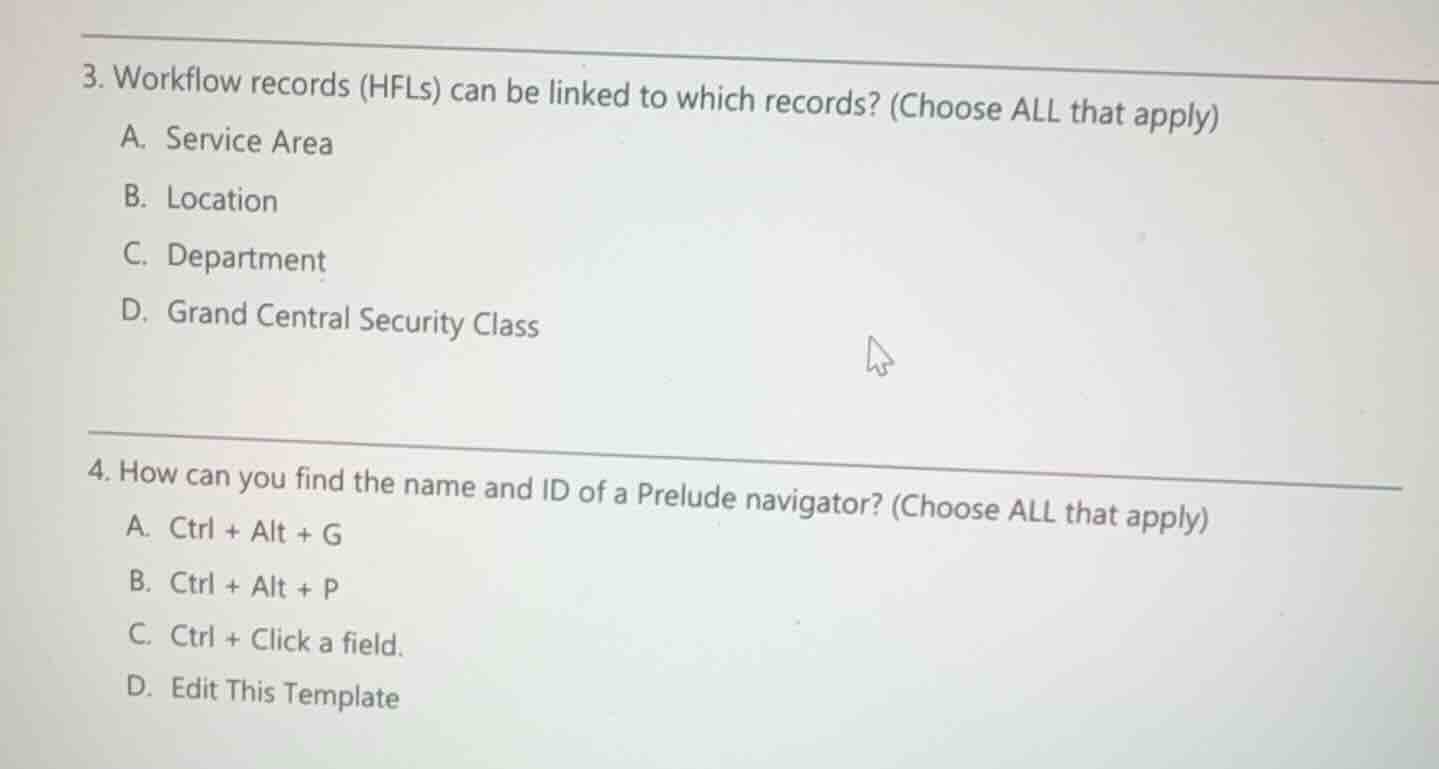
- workflow records (hfls) can be linked to which records? (choose all that apply)
a. service area
b. location
c. department
d. grand central security class
- how can you find the name and id of a prelude navigator? (choose all that apply)
a. ctrl + alt + g
b. ctrl + alt + p
c. ctrl + click a field.
d. edit this template
Analyze linking levels for Workflow records (HFLs)
In Epic's Grand Central and Prelude applications, Workflow records (HFL master file) are used to configure interactive navigators and workflows. These records can be linked at various levels of the facility structure to customize the user experience based on location. The valid levels for linking HFL records are:
- Service Area (EAF)
- Location (EAF)
- Department (EAF)
Security classes do not link directly to HFL records in this manner. Therefore, options A, B, and C are correct.
Analyze methods to identify Prelude navigator name and ID
To find the configuration details (name and ID) of an active navigator template or section in Epic Hyperspace:
- The keyboard shortcut Ctrl + Alt + G is the standard Epic shortcut used to display the template name and ID of the active navigator.
- Selecting Edit This Template (typically available to administrators with appropriate security) opens the configuration of the active navigator, revealing its name and ID.
Therefore, options A and D are correct.

Snap & solve any problem in the app
Get step-by-step solutions on Sovi AI
Photo-based solutions with guided steps
Explore more problems and detailed explanations
Question 3
- (A) Service Area (Correct answer)
- (B) Location (Correct answer)
- (C) Department (Correct answer)
- (D) Grand Central Security Class
Question 4
- (A) Ctrl + Alt + G (Correct answer)
- (B) Ctrl + Alt + P
- (C) Ctrl + Click a field.
- (D) Edit This Template (Correct answer)