QUESTION IMAGE
Question
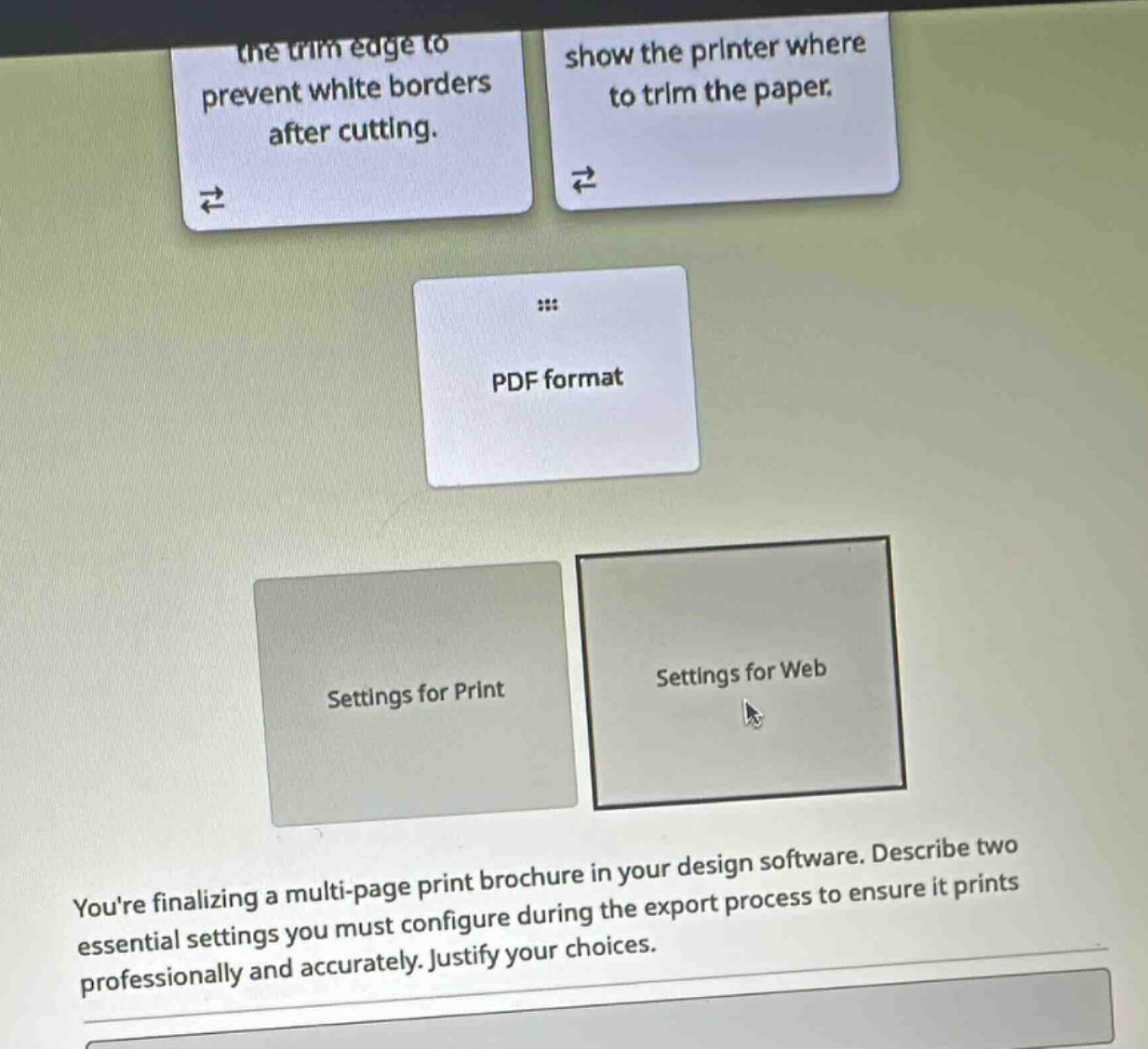
youre finalizing a multi-page print brochure in your design software. describe two essential settings you must configure during the export process to ensure it prints professionally and accurately. justify your choices.
🆕 New Concept Discovered: Print Production Settings
Preparing digital designs for physical printing.
Step 1: Select the correct file format and export settings
When preparing a document for professional printing, you must export it as a PDF format (specifically PDF/X standards are preferred in the industry) using Settings for Print rather than Settings for Web.
- Justification: Print settings ensure the document is exported at a high resolution (typically 300 DPI or higher) and uses the CMYK color mode rather than RGB, which prevents blurry images and unexpected color shifts when printed.
Step 2: Configure Bleed settings
You must extend your design elements past the final page edge to include a bleed (typically 0.125 inches or 3 mm).
- Justification: This ensures that your artwork extends beyond the trim line to prevent white borders after cutting, accounting for slight mechanical shifts during the physical cutting process.
Step 3: Enable Crop Marks (Trim Marks)
You must enable crop marks (or trim marks) on your export settings.
- Justification: These marks show the printer where to trim the paper, ensuring the multi-page brochure is cut precisely to its intended final dimensions.

Snap & solve any problem in the app
Get step-by-step solutions on Sovi AI
Photo-based solutions with guided steps
Explore more problems and detailed explanations
To ensure the brochure prints professionally and accurately, you must configure the following two essential settings during export:
- Export as a PDF using "Settings for Print" with Bleed: You must include a bleed (extending artwork past the page edge) to prevent white borders after cutting if the paper shifts slightly during trimming.
- Enable Crop Marks (Trim Marks): You must include these marks to show the printer where to trim the paper, ensuring the final pages are cut to the exact correct size.