QUESTION IMAGE
Question
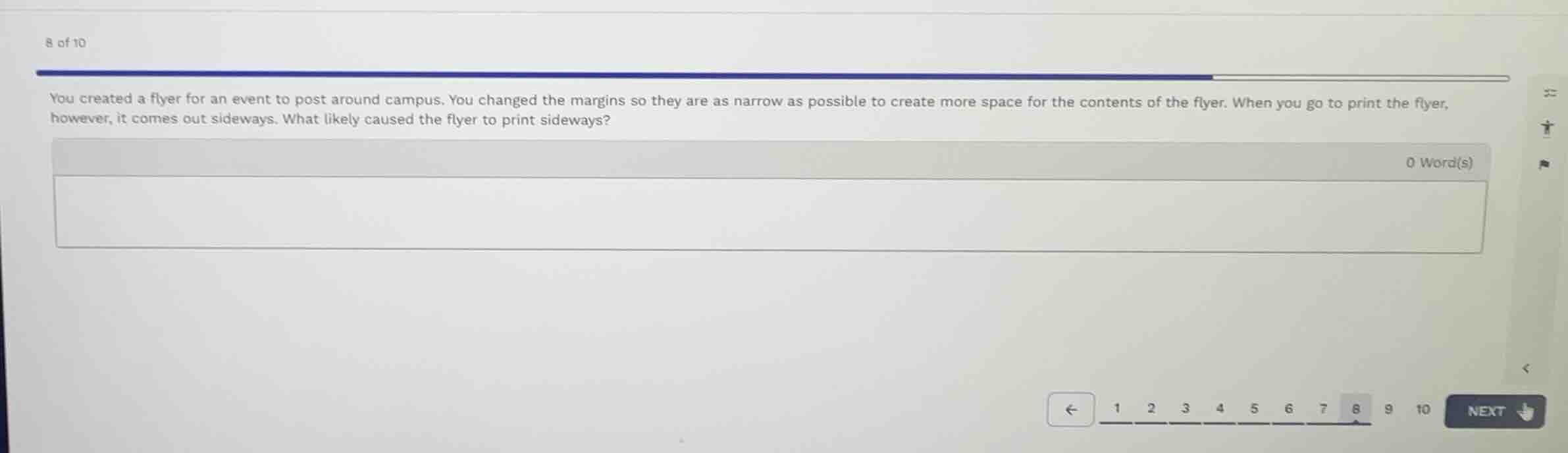
you created a flyer for an event to post around campus. you changed the margins so they are as narrow as possible to create more space for the contents of the flyer. when you go to print the flyer, however, it comes out sideways. what likely caused the flyer to print sideways?
Identify the core issue
The flyer is printing sideways (rotated 90 degrees) relative to the intended layout.
Analyze potential causes
A document printing sideways is typically caused by a mismatch between the document's page orientation setting (e.g., landscape vs. portrait) in the software and the orientation setting configured in the printer driver or print dialog.

Snap & solve any problem in the app
Get step-by-step solutions on Sovi AI
Photo-based solutions with guided steps
Explore more problems and detailed explanations
The flyer printed sideways because of a mismatch in the page orientation settings. Specifically, the document's orientation in your word processor or design software (likely set to Landscape to fit more content) does not match the orientation setting selected in the printer properties/print dialog (which was likely left on the default Portrait setting, or vice versa).