QUESTION IMAGE
Question
working with incoming responses
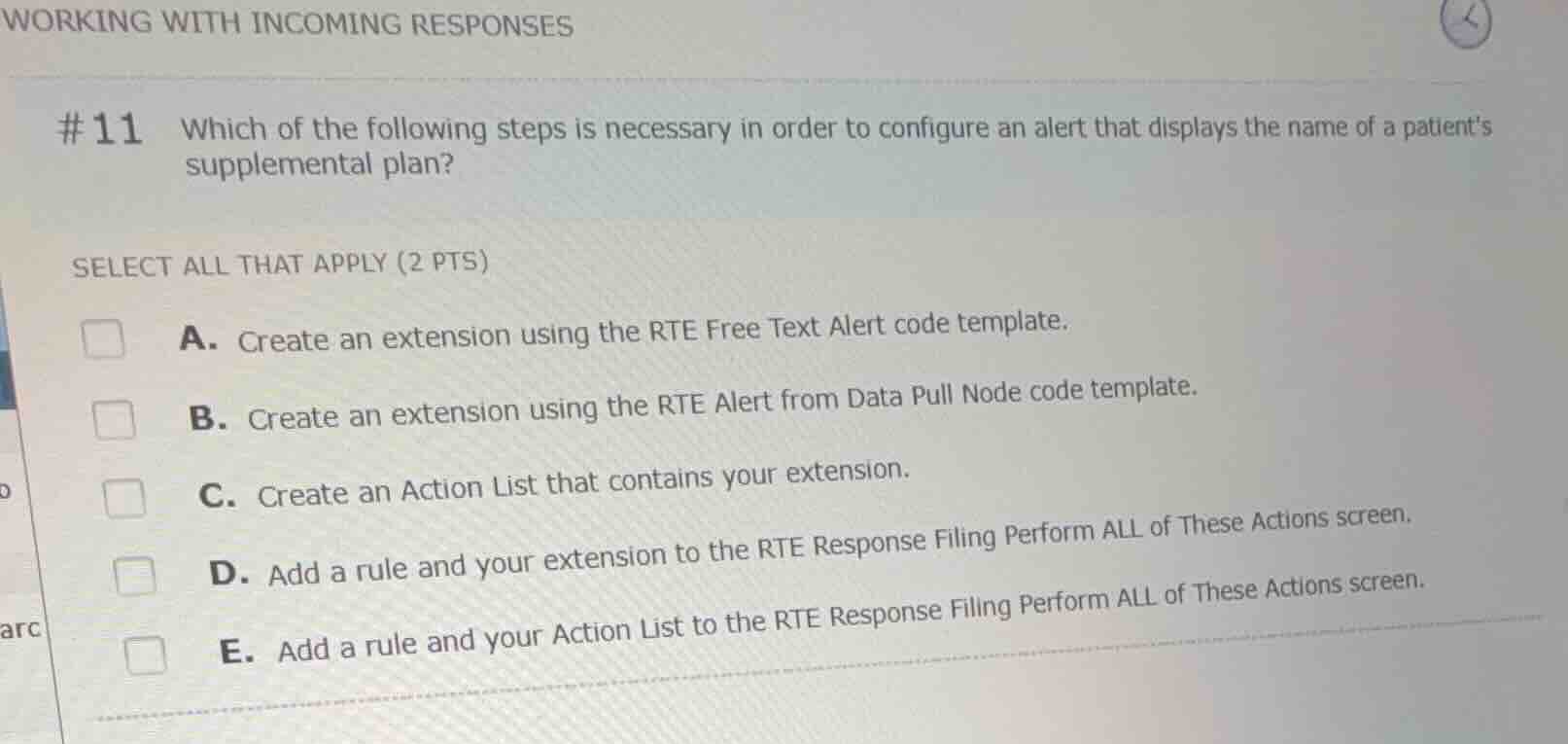
#11 which of the following steps is necessary in order to configure an alert that displays the name of a patients supplemental plan?
select all that apply (2 pts)
a. create an extension using the rte free text alert code template.
b. create an extension using the rte alert from data pull node code template.
c. create an action list that contains your extension.
d. add a rule and your extension to the rte response filing perform all of these actions screen.
e. add a rule and your action list to the rte response filing perform all of these actions screen.
Identify the correct extension code template
To display dynamic information from an incoming response (such as the name of a patient's supplemental plan) in an RTE alert, you must pull data from a specific node in the response. The "RTE Alert from Data Pull Node" code template is designed for this purpose, whereas the "RTE Free Text Alert" template is for static text. Therefore, option B is correct and option A is incorrect.
Identify the correct configuration screen and action
In Epic RTE configuration, extensions used for alerts are not added directly to the response filing screens. Instead, they must be grouped into an Action List. This Action List, along with a rule that triggers it, is then added to the "RTE Response Filing Perform ALL of These Actions" screen. Therefore, options C and E are correct, while option D is incorrect.

Snap & solve any problem in the app
Get step-by-step solutions on Sovi AI
Photo-based solutions with guided steps
Explore more problems and detailed explanations
- A. Create an extension using the RTE Free Text Alert code template.
- B. Create an extension using the RTE Alert from Data Pull Node code template. (Correct answer)
- C. Create an Action List that contains your extension. (Correct answer)
- D. Add a rule and your extension to the RTE Response Filing Perform ALL of These Actions screen.
- E. Add a rule and your Action List to the RTE Response Filing Perform ALL of These Actions screen. (Correct answer)