QUESTION IMAGE
Question
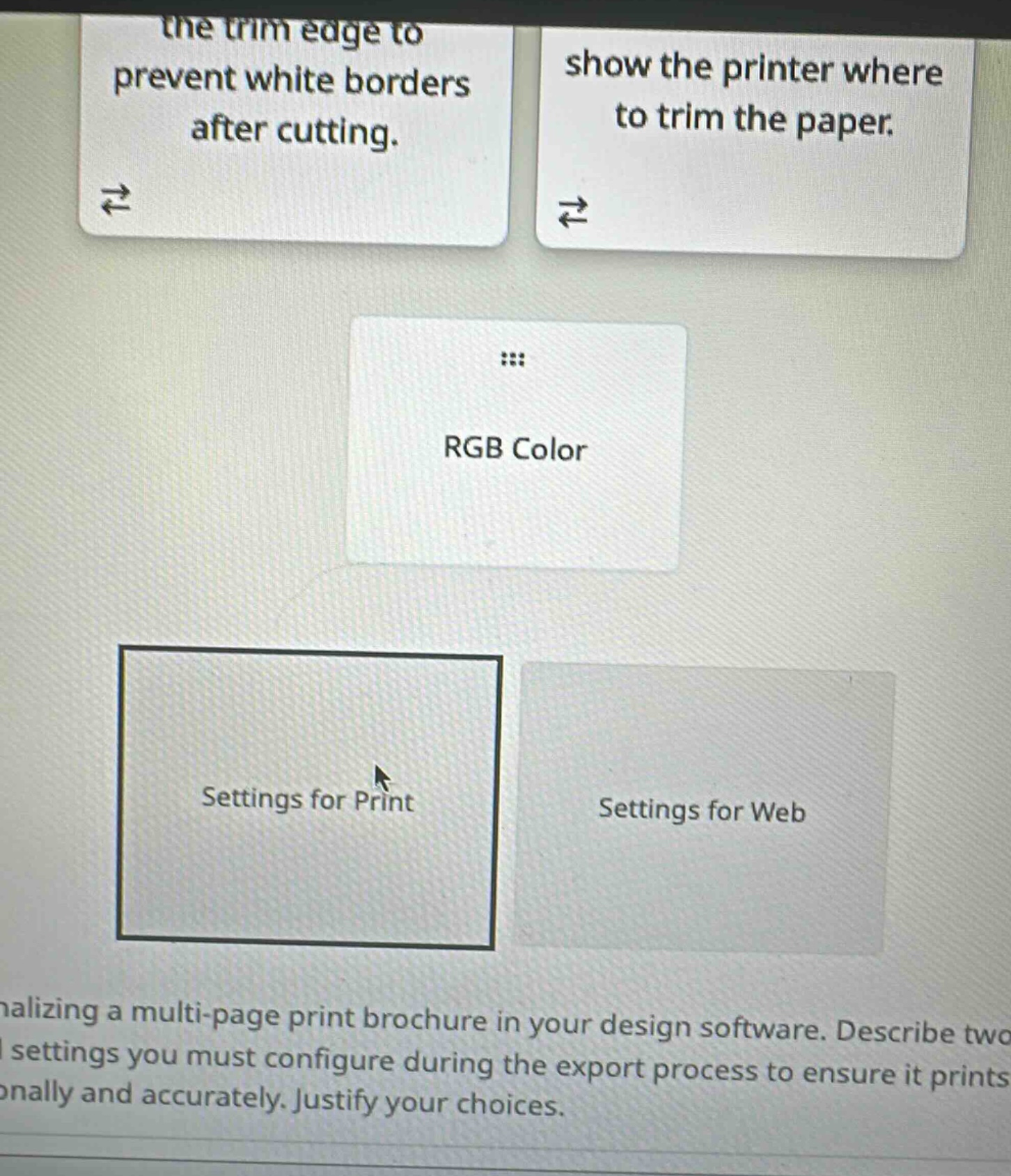
the trim edge to prevent white borders after cutting.
show the printer where to trim the paper.
rgb color
settings for print
settings for web
nalizing a multi-page print brochure in your design software. describe two settings you must configure during the export process to ensure it prints onally and accurately. justify your choices.
🆕 New Concept Discovered: Print vs. Digital Color Spaces & Marks
Understanding how color models and document margins differ between screen and physical print.
Step 1: Identify the correct category for RGB Color
The RGB (Red, Green, Blue) color model is an additive color model used for digital displays, screens, and web design. Physical printing processes use subtractive color models, primarily CMYK (Cyan, Magenta, Yellow, Key/Black).
Therefore, "RGB Color" belongs under Settings for Web.
Step 2: Identify settings for professional printing
To ensure a multi-page brochure prints professionally and accurately without white borders or alignment issues, you must configure settings specifically designed for physical production:
- Bleed: This extends your artwork slightly beyond the final trim size (usually by \( 0.125 \) inches or \( 3\text{ mm} \)). This ensures that if the paper shifts slightly during cutting, there are no unprinted white borders left along the edges.
- Crop Marks (or Trim Marks): These are thin lines printed in the corners of the sheet to show the printer exactly where to cut the paper to its final size.

Snap & solve any problem in the app
Get step-by-step solutions on Sovi AI
Photo-based solutions with guided steps
Explore more problems and detailed explanations
1. Classification of "RGB Color"
- Settings for Web
---
2. Two Settings to Configure for Print Export
- Bleed Settings
- Justification: Bleed extends the design elements slightly beyond the final trim line. This prevents unsightly white borders from appearing along the edges of the brochure if the paper shifts slightly during the mechanical cutting process.
- Crop Marks (Trim Marks)
- Justification: Crop marks are printed guides in the corners of the sheet that show the printer exactly where to cut the paper to achieve the correct final dimensions of the brochure.