QUESTION IMAGE
Question
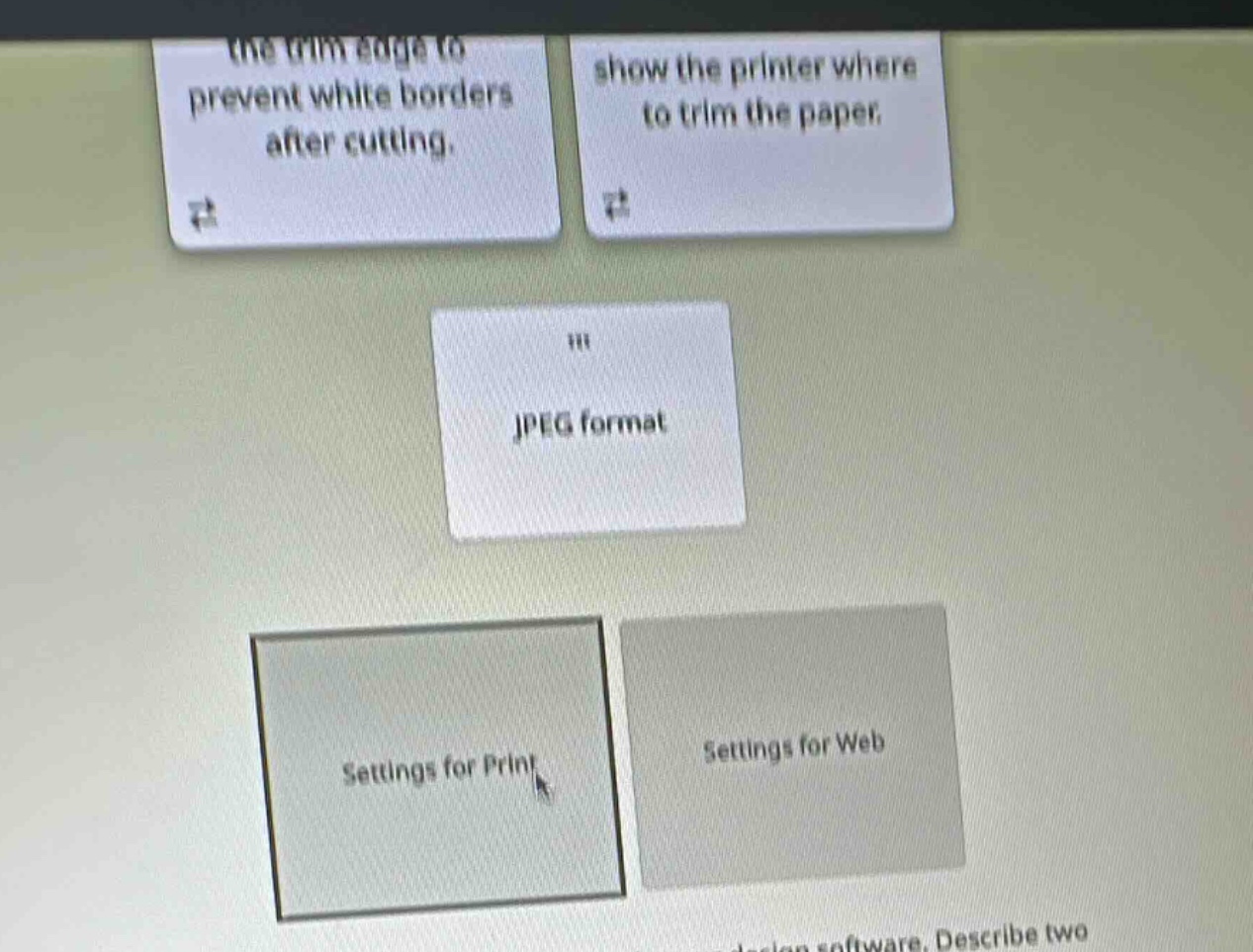
the trim edge to prevent white borders after cutting.
show the printer where to trim the paper.
jpeg format
settings for print
settings for web
design software. describe two
🆕 New Concept Discovered: Digital vs. Print Media Formats
Choosing the right file types and settings for different outputs.
Step 1: Understand the categories
We need to sort the card "JPEG format" into one of two categories:
- Settings for Print
- Settings for Web
Step 2: Analyze the JPEG format
- JPEG (Joint Photographic Experts Group) is a highly compressed raster image format.
- Because of its compression, it keeps file sizes small, which is ideal for fast loading times on websites, social media, and digital screens.
- While JPEGs can be printed, professional print workflows typically require lossless formats (like TIFF or PDF) to preserve maximum detail and color accuracy. Therefore, JPEG is primarily optimized and standard as a setting for web and digital display.

Snap & solve any problem in the app
Get step-by-step solutions on Sovi AI
Photo-based solutions with guided steps
Explore more problems and detailed explanations
Settings for Web