QUESTION IMAGE
Question
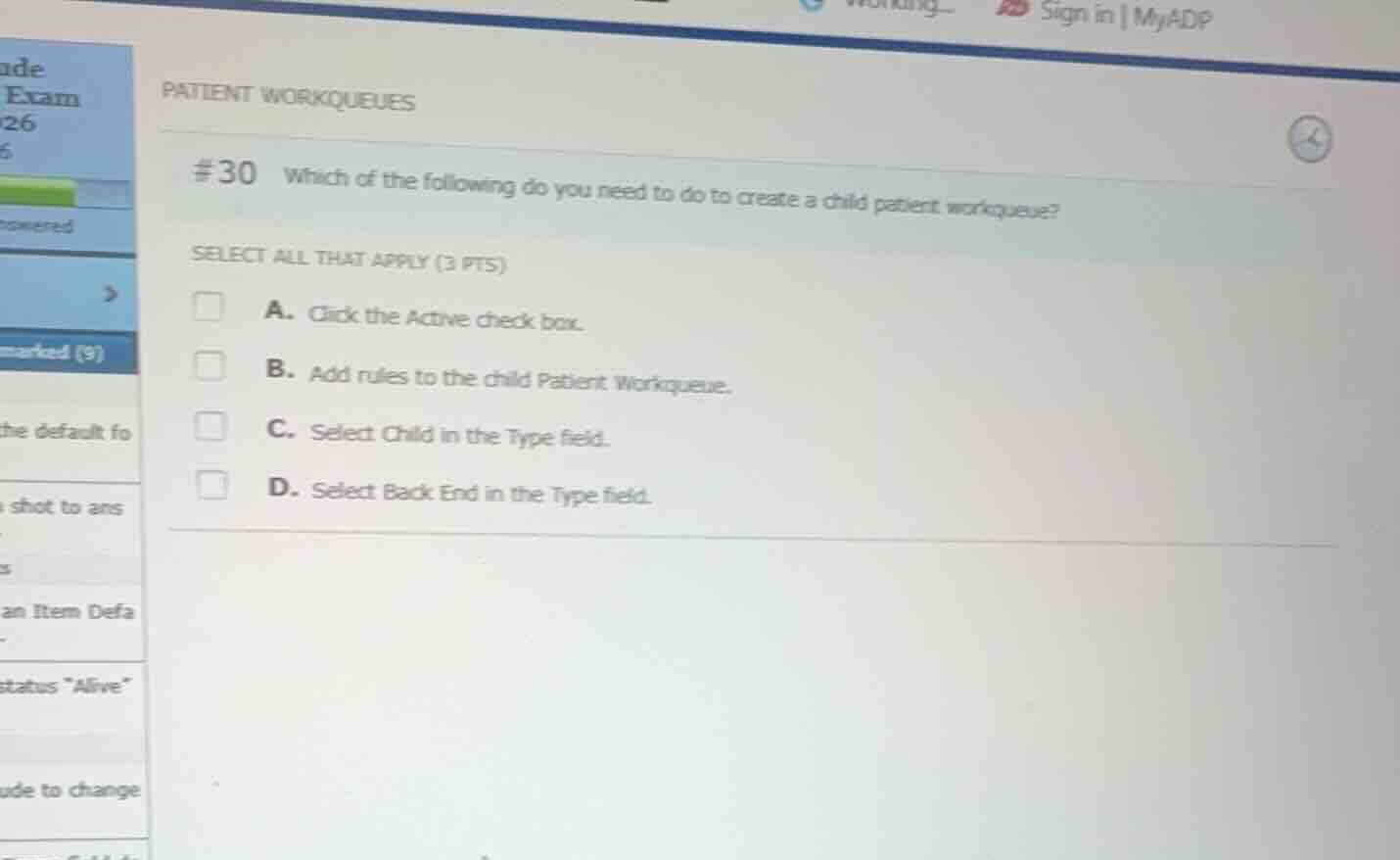
patient workqueues
#30 which of the following do you need to do to create a child patient workqueue?
select all that apply (3 pts)
a. click the active check box.
b. add rules to the child patient workqueue.
c. select child in the type field.
d. select back end in the type field.
Analyze the requirements for creating a child patient workqueue
In Epic's workqueue configuration, specifically for parent/child workqueue structures:
- The workqueue must be active to function, so you need to check the "Active" check box.
- Unlike standard workqueues, a child workqueue does not have its own rules; instead, it inherits the routing and filtering rules from its parent workqueue. Therefore, you do not add rules directly to the child workqueue.
- In the "Type" field of the workqueue configuration, you must select "Child" to designate its relationship.
Evaluate the given options
- A. Click the Active check box.: Correct. The workqueue must be marked active.
- B. Add rules to the child Patient Workqueue.: Incorrect. Child workqueues do not have rules assigned directly to them; they inherit from the parent.
- C. Select Child in the Type field.: Correct. This defines the workqueue as a child.
- D. Select Back End in the Type field.: Incorrect. The type must be "Child", not "Back End".
Determine the correct selections
The correct options to select are A and C.

Snap & solve any problem in the app
Get step-by-step solutions on Sovi AI
Photo-based solutions with guided steps
Explore more problems and detailed explanations
- (A) Click the Active check box. (Correct answer)
- (B) Add rules to the child Patient Workqueue.
- (C) Select Child in the Type field. (Correct answer)
- (D) Select Back End in the Type field.