QUESTION IMAGE
Question
instructions
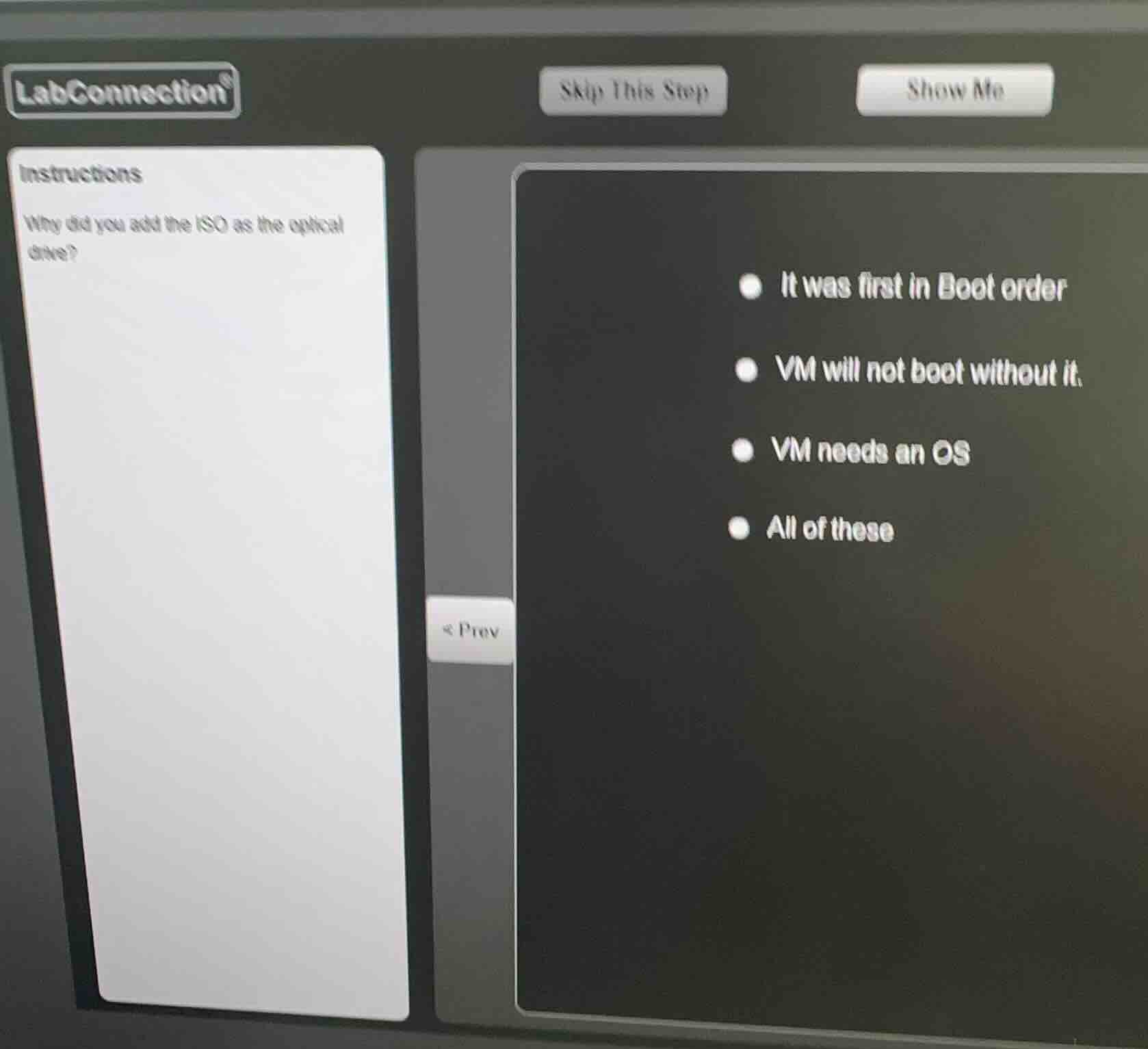
why did you add the iso as the optical drive?
- it was first in boot order
- vm will not boot without it.
- vm needs an os
- all of these
Analyze the question context
The question asks: "Why did you add the ISO as the optical drive?" This is a common task when setting up a new virtual machine (VM) in virtualization software.
Evaluate the options
- It was first in Boot order: To boot from the ISO image to install an operating system, the virtual optical drive containing the ISO must be placed first in the boot sequence (or ahead of the empty virtual hard drive).
- VM will not boot without it: A brand new VM has an empty virtual hard disk. Without mounting an installation ISO to the virtual optical drive, the VM has no bootable media and will fail to boot.
- VM needs an OS: A virtual machine requires an operating system to function, and mounting the ISO allows the VM to boot into the OS installer.
- All of these: Since all three statements are correct and describe necessary aspects of why the ISO is added as an optical drive during VM setup, this is the most comprehensive and correct choice.

Snap & solve any problem in the app
Get step-by-step solutions on Sovi AI
Photo-based solutions with guided steps
Explore more problems and detailed explanations
- (A) It was first in Boot order
- (B) VM will not boot without it.
- (C) VM needs an OS
- (D) All of these (Correct answer)