QUESTION IMAGE
Question
Question was provided via image upload.
Analyze the workflow configuration screenshot
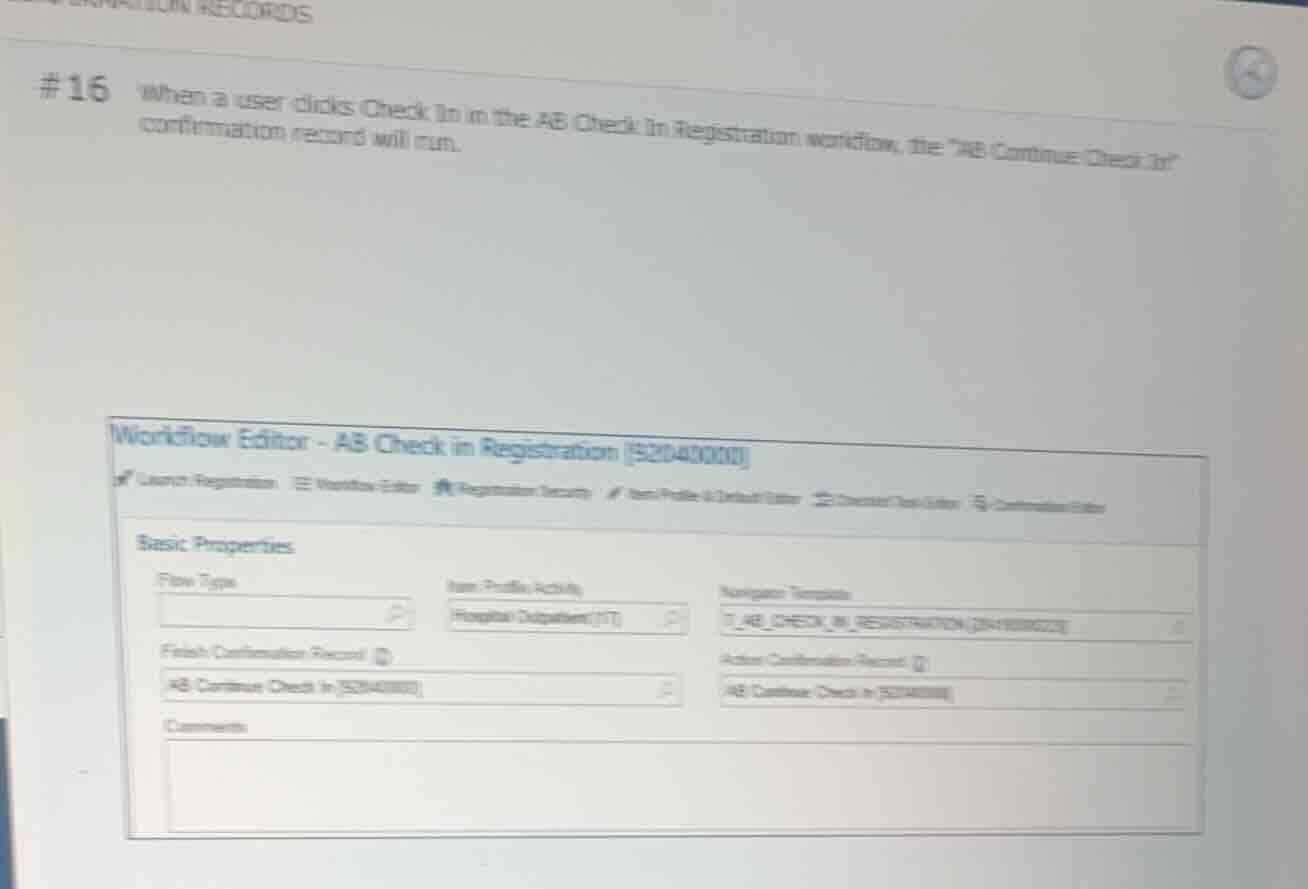
The screenshot shows a Workflow Editor screen for "AB Check in Registration [52040000]".
Under the "Basic Properties" section, we can see two fields related to confirmation records:
- Finish Confirmation Record: "AB Continue Check In [52040003]"
- Action Confirmation Record: "AB Continue Check In [52040003]"
Match the question prompt with the fields
The question states: "When a user clicks Check In in the AB Check In Registration workflow, the ________ confirmation record will run."
Clicking "Check In" is an action taken by the user during the workflow, which triggers the Action Confirmation Record.
Looking at the "Action Confirmation Record" field in the screenshot, the configured record is "AB Continue Check In".
Alternatively, finishing the workflow triggers the "Finish Confirmation Record", which is also configured as "AB Continue Check In".
Therefore, the blank must be filled with "Action" (or "Action" / "Finish" depending on the exact system terminology, but "Action" specifically corresponds to clicking the action button like "Check In").
Formulate the final answer
The blank space in the sentence "the ________ confirmation record will run" is filled by "Action".

Snap & solve any problem in the app
Get step-by-step solutions on Sovi AI
Photo-based solutions with guided steps
Explore more problems and detailed explanations
#16 When a user clicks Check In in the AB Check In Registration workflow, the <blank>Action</blank> confirmation record will run.