QUESTION IMAGE
Question
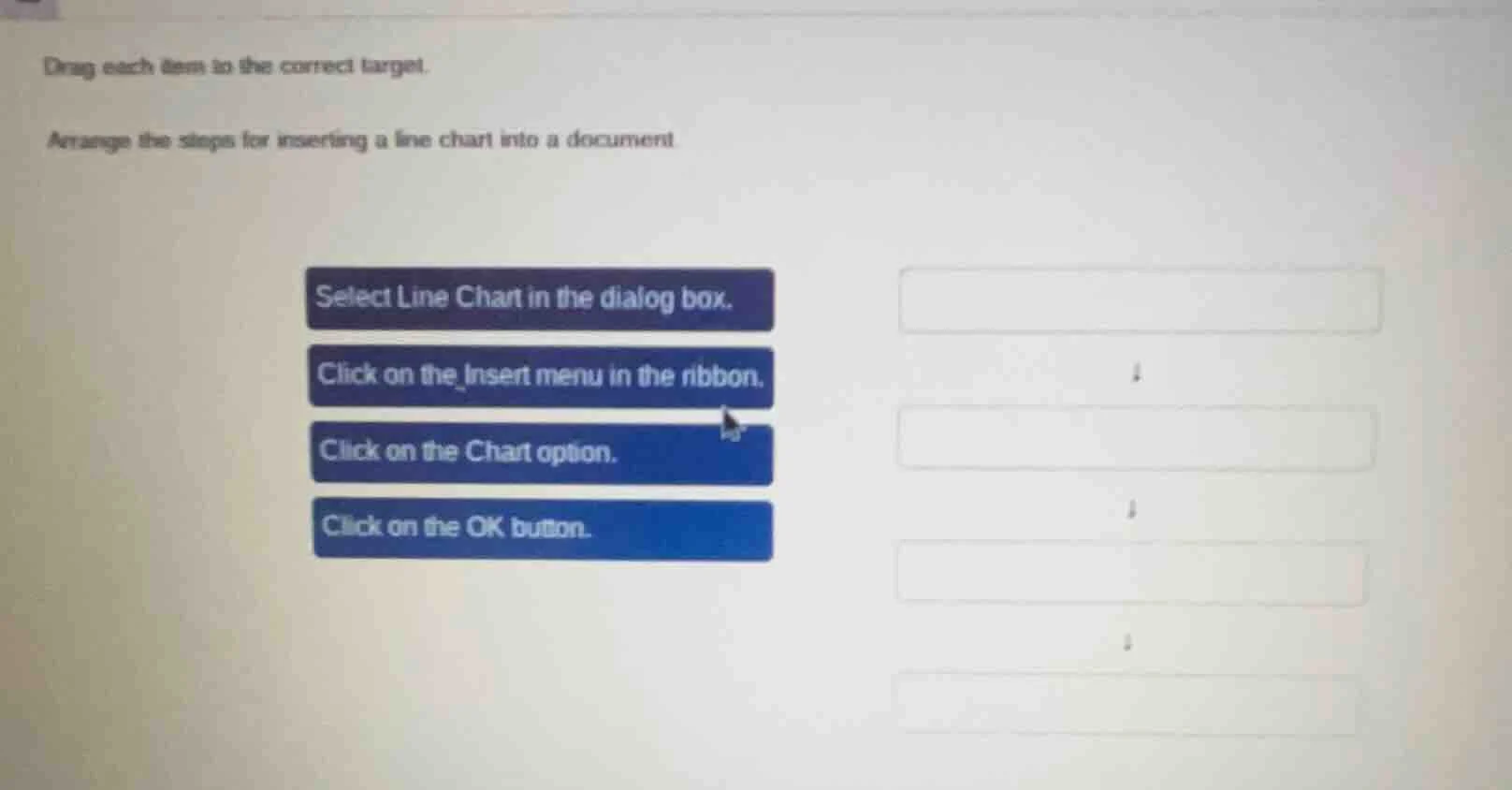
drag each item to the correct target.
arrange the steps for inserting a line chart into a document.
select line chart in the dialog box.
click on the insert menu in the ribbon.
click on the chart option.
click on the ok button.
To insert a line chart into a document, the correct order of steps is as follows: First, you need to access the Insert menu in the ribbon (this is the starting point to access chart - related options). Then, click on the Chart option to open the chart - selection dialog. Next, select Line Chart from the available chart types in the dialog box. Finally, click the OK button to insert the line chart into the document.

Snap & solve any problem in the app
Get step-by-step solutions on Sovi AI
Photo-based solutions with guided steps
Explore more problems and detailed explanations
- Click on the Insert menu in the ribbon.
- Click on the Chart option.
- Select Line Chart in the dialog box.
- Click on the OK button.