QUESTION IMAGE
Question
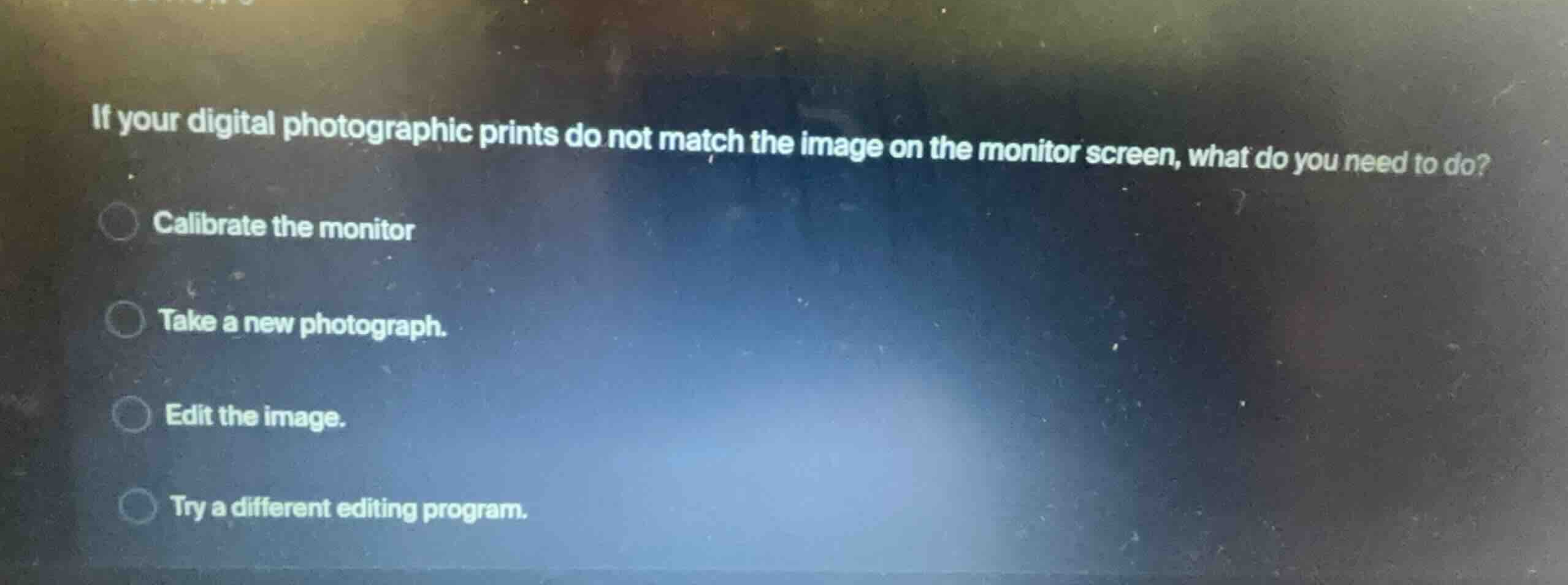
if your digital photographic prints do not match the image on the monitor screen, what do you need to do?
calibrate the monitor
take a new photograph.
edit the image.
try a different editing program.
Identify the core issue
The problem describes a mismatch between physical digital photographic prints and the digital image displayed on a monitor screen. This is a classic color management issue where the display's color output does not accurately represent the actual color values of the file.
Evaluate the options
- Calibrate the monitor: Adjusting the monitor's color, brightness, and contrast settings ensures that the screen accurately displays the colors in the digital file, aligning it with standard printing profiles.
- Take a new photograph: This does not address the display-to-print translation issue.
- Edit the image: Editing on an uncalibrated monitor will only perpetuate incorrect color adjustments.
- Try a different editing program: The software program does not change how the monitor hardware displays colors.
Determine the correct action
To ensure that what you see on the screen matches what is printed, the monitor must be calibrated using a calibration tool or software.

Snap & solve any problem in the app
Get step-by-step solutions on Sovi AI
Photo-based solutions with guided steps
Explore more problems and detailed explanations
- Calibrate the monitor (Correct answer)
- Take a new photograph.
- Edit the image.
- Try a different editing program.