QUESTION IMAGE
Question
application: choosing formats for aura candles
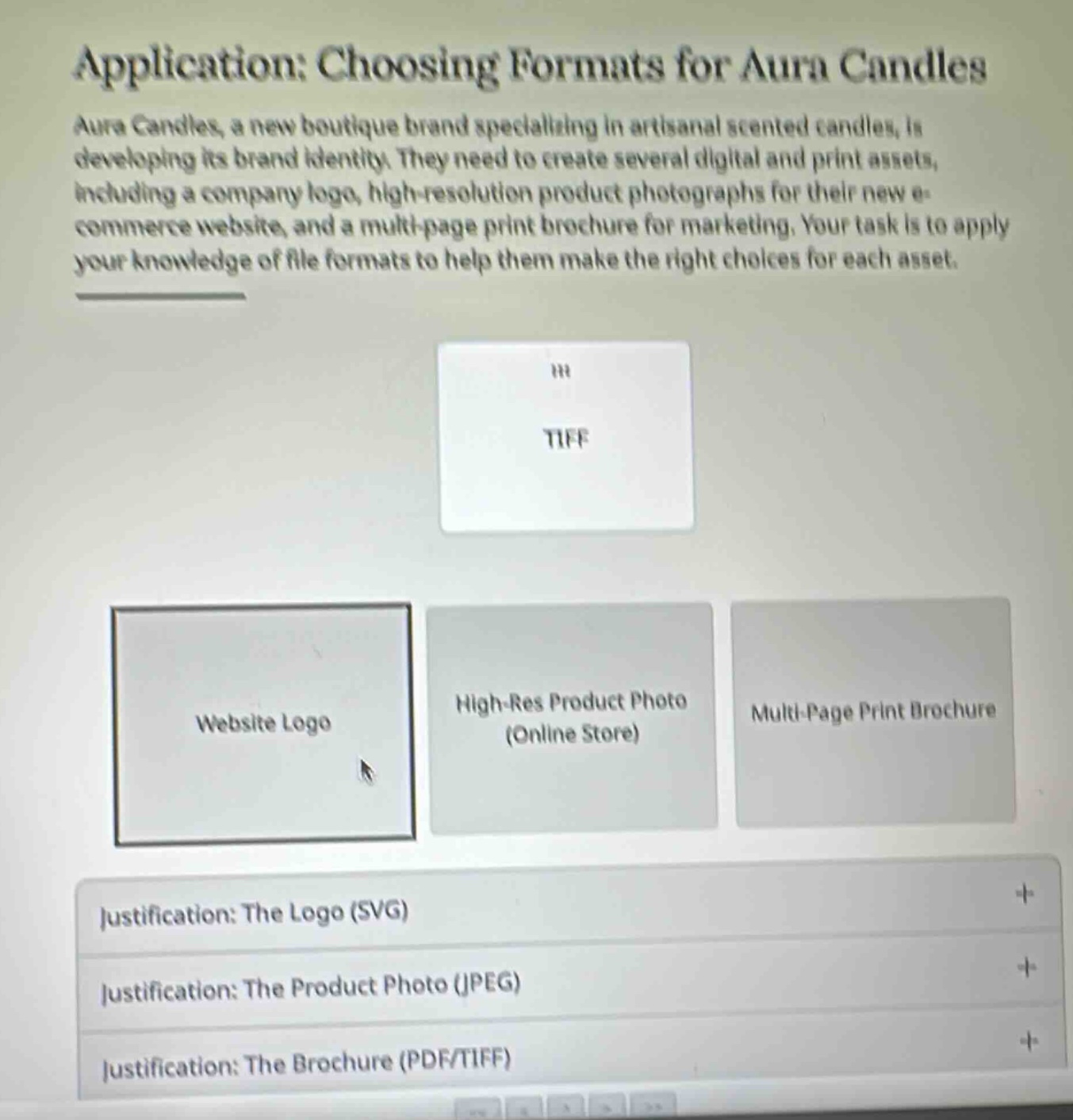
aura candles, a new boutique brand specializing in artisanal scented candles, is developing its brand identity. they need to create several digital and print assets, including a company logo, high-resolution product photographs for their new e-commerce website, and a multi-page print brochure for marketing. your task is to apply your knowledge of file formats to help them make the right choices for each asset.
tiff
website logo
high-res product photo (online store)
multi-page print brochure
justification: the logo (svg)
justification: the product photo (jpeg)
justification: the brochure (pdf/tiff)
🆕 New Concept Discovered: Digital File Formats
Choosing the right file type for print and web assets.
Step 1: Understand the Requirements of Each Asset
Let's look at the three assets Aura Candles needs to create and their ideal formats:
- Website Logo: Needs to be infinitely scalable without losing quality so it looks sharp on any screen size. The standard format for web vector graphics is SVG.
- High-Res Product Photo (Online Store): Needs to display high-quality details but also load quickly on a website. The standard compressed format for web photos is JPEG (or WebP).
- Multi-Page Print Brochure: Needs to preserve high-quality images, layout, and text formatting for professional printing. High-resolution print workflows commonly use TIFF for raw/uncompressed images and PDF for the final multi-page layout.
Step 2: Match the "TIFF" Card to the Correct Asset
The card shown at the top is TIFF (Tagged Image File Format).
- TIFF is a lossless, high-quality raster format primarily used in professional desktop publishing and commercial printing because it preserves maximum image detail and color depth.
- It is not suitable for web logos (which should be vector-based SVG) or standard online store product photos (where TIFF files would be too large and slow to load).
- Therefore, TIFF belongs to the Multi-Page Print Brochure category (as indicated by the justification tab at the bottom: "Justification: The Brochure (PDF/TIFF)").

Snap & solve any problem in the app
Get step-by-step solutions on Sovi AI
Photo-based solutions with guided steps
Explore more problems and detailed explanations
The TIFF card should be matched with the Multi-Page Print Brochure category.