QUESTION IMAGE
Question
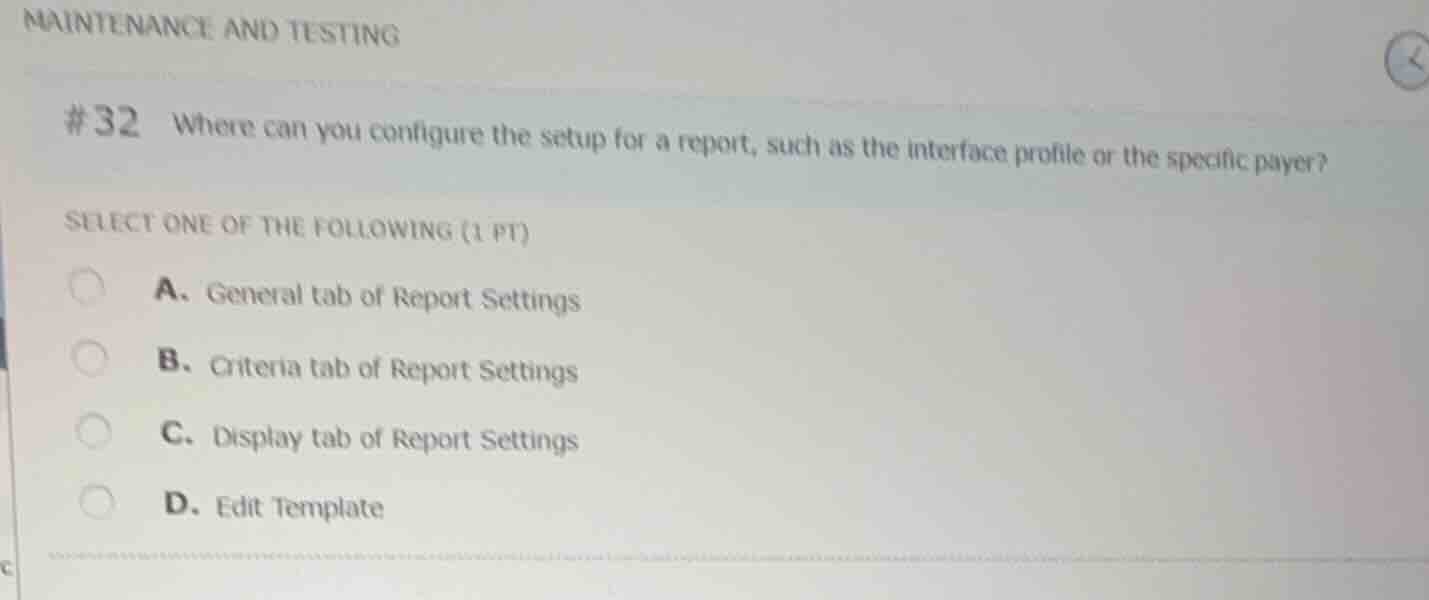
#32 where can you configure the setup for a report, such as the interface profile or the specific payer?
select one of the following (1 pt)
a. general tab of report settings
b. criteria tab of report settings
c. display tab of report settings
d. edit template
Identify the purpose of report configuration tabs
In Epic's Reporting Workbench, report settings are divided into several tabs to customize how a report runs and displays data:
- General tab: Contains basic metadata such as the report name, description, and owner.
- Criteria tab: Where you configure the specific filters, parameters, and setup for the report, such as selecting an interface profile, specific payers, date ranges, or department restrictions.
- Display tab: Determines which columns appear in the results and how they are formatted.
Evaluate the given options
- A. General tab of Report Settings: Incorrect, as this tab does not handle specific filtering criteria like interface profiles or payers.
- B. Criteria tab of Report Settings: Correct, as this is where specific filtering parameters (such as interface profile or specific payer) are defined to restrict the report's data.
- C. Display tab of Report Settings: Incorrect, as this only controls the visual output columns.
- D. Edit Template: Incorrect, as templates define the base structure and available criteria, but the specific setup/values for a report run are configured in the report's settings.

Snap & solve any problem in the app
Get step-by-step solutions on Sovi AI
Photo-based solutions with guided steps
Explore more problems and detailed explanations
- A. General tab of Report Settings
- B. Criteria tab of Report Settings (Correct answer)
- C. Display tab of Report Settings
- D. Edit Template