QUESTION IMAGE
Question
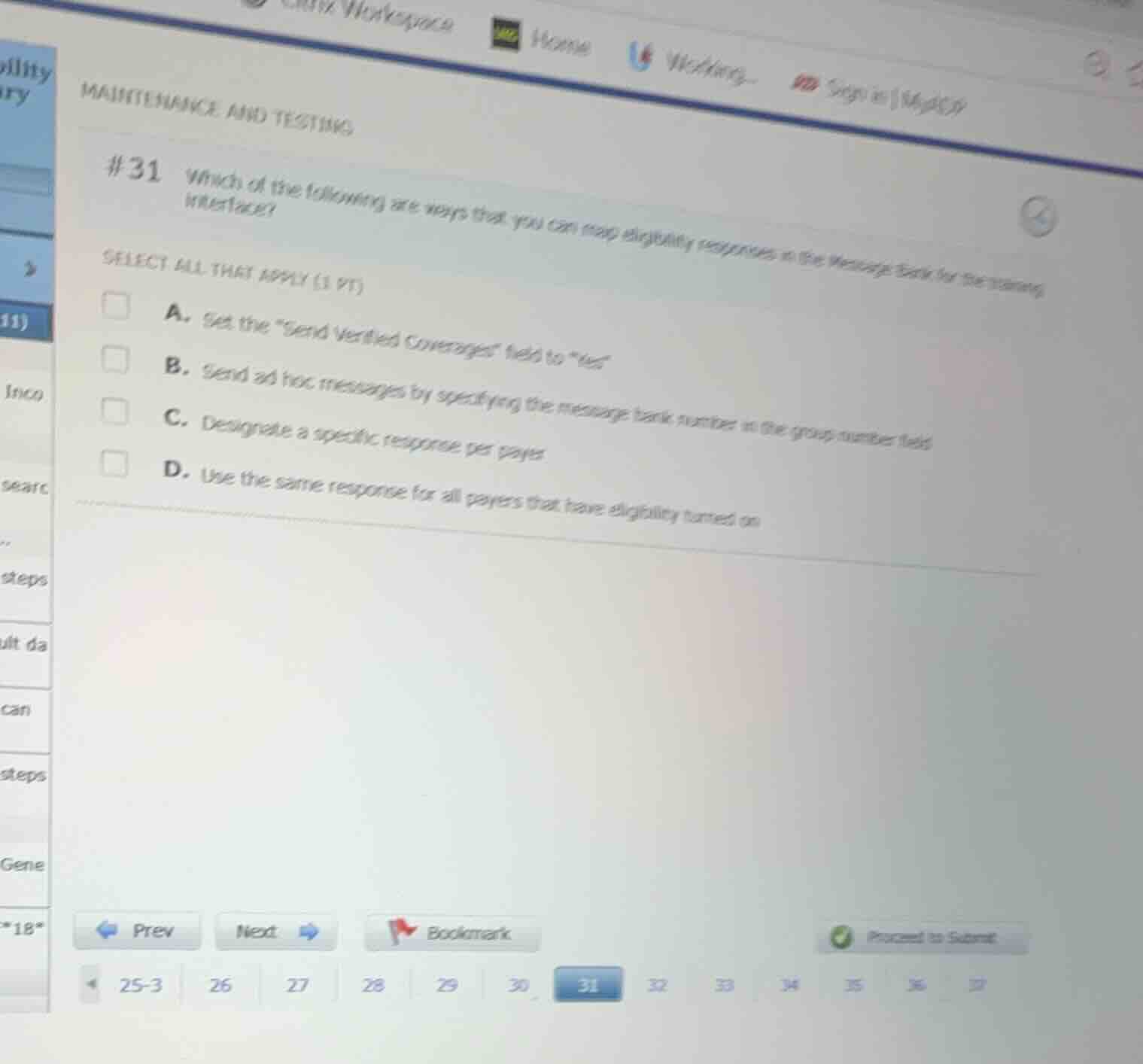
#31 which of the following are ways that you can map eligibility responses in the message bank for the training interface?
select all that apply (1 pt)
a. set the \send verified coverages\ field to \yes\
b. send ad hoc messages by specifying the message bank number in the group number field
c. designate a specific response per payer
d. use the same response for all payers that have eligibility turned on
Analyze the configuration options for the training interface
In the Epic Bridges training interface, mapping eligibility responses using the Message Bank can be configured in two primary ways:
- Designate a specific response per payer: You can map a specific response from the Message Bank to a particular payer.
- Use the same response for all payers: You can set a fallback or default response to be used for all payers that have eligibility turned on.
Evaluate the given choices
- A. Set the "Send Verified Coverages" field to "Yes": This is not a method for mapping eligibility responses in the Message Bank.
- B. Send ad hoc messages by specifying the message bank number in the group number field: This is incorrect and does not represent a standard mapping mechanism for the training interface.
- C. Designate a specific response per payer: This is a valid configuration method.
- D. Use the same response for all payers that have eligibility turned on: This is a valid configuration method.

Snap & solve any problem in the app
Get step-by-step solutions on Sovi AI
Photo-based solutions with guided steps
Explore more problems and detailed explanations
- A. Set the "Send Verified Coverages" field to "yes"
- B. Send ad hoc messages by specifying the message bank number in the group number field
- C. Designate a specific response per payer (Correct answer)
- D. Use the same response for all payers that have eligibility turned on (Correct answer)