QUESTION IMAGE
Question
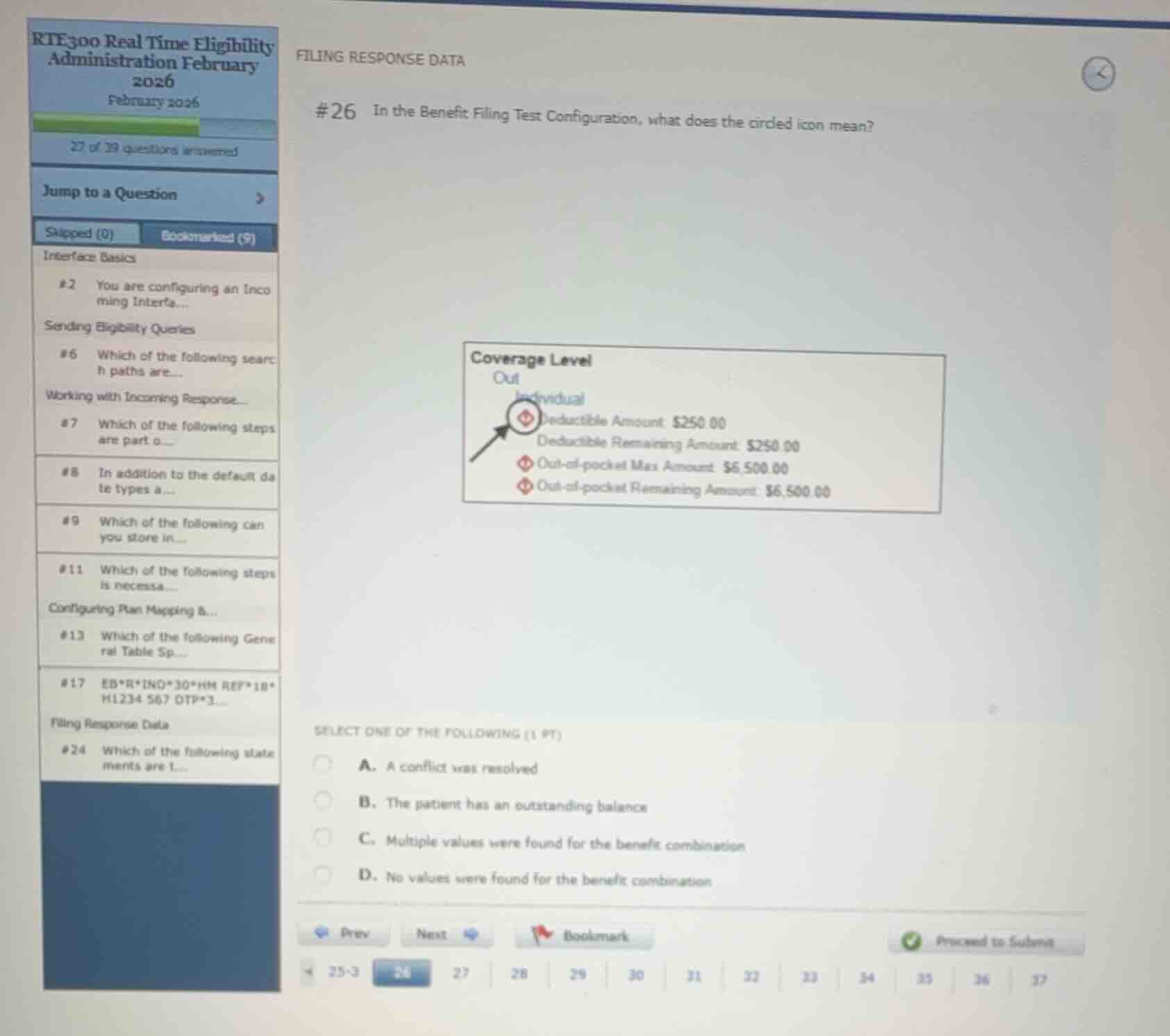
#26 in the benefit filing test configuration, what does the circled icon mean?
coverage level
out
individual
deductible amount $250.00
deductible remaining amount $250.00
out-of-pocket max amount $6,500.00
out-of-pocket remaining amount $6,500.00
select one of the following (1 pt)
a. a conflict was resolved
b. the patient has an outstanding balance
c. multiple values were found for the benefit combination
d. no values were found for the benefit combination
Identify the circled icon and context
The question asks what the circled icon (a red circle with a horizontal line through it, resembling a "no entry" or "stop" sign) means in the Benefit Filing Test Configuration.
Analyze the options
The options represent different outcomes of the benefit filing logic:
- A. A conflict was resolved
- B. The patient has an outstanding balance
- C. Multiple values were found for the benefit combination
- D. No values were found for the benefit combination
In Epic's Real-Time Eligibility (RTE) Benefit Filing Test tool, a red circle with a slash/line indicates that no values were found in the incoming response for that specific benefit combination (e.g., Coverage Level: Out, Individual, Deductible Amount).
Determine the correct choice
The icon indicates that no values were found for the benefit combination, which corresponds to option D.

Snap & solve any problem in the app
Get step-by-step solutions on Sovi AI
Photo-based solutions with guided steps
Explore more problems and detailed explanations
- A. A conflict was resolved
- B. The patient has an outstanding balance
- C. Multiple values were found for the benefit combination
- D. No values were found for the benefit combination (Correct answer)