QUESTION IMAGE
Question
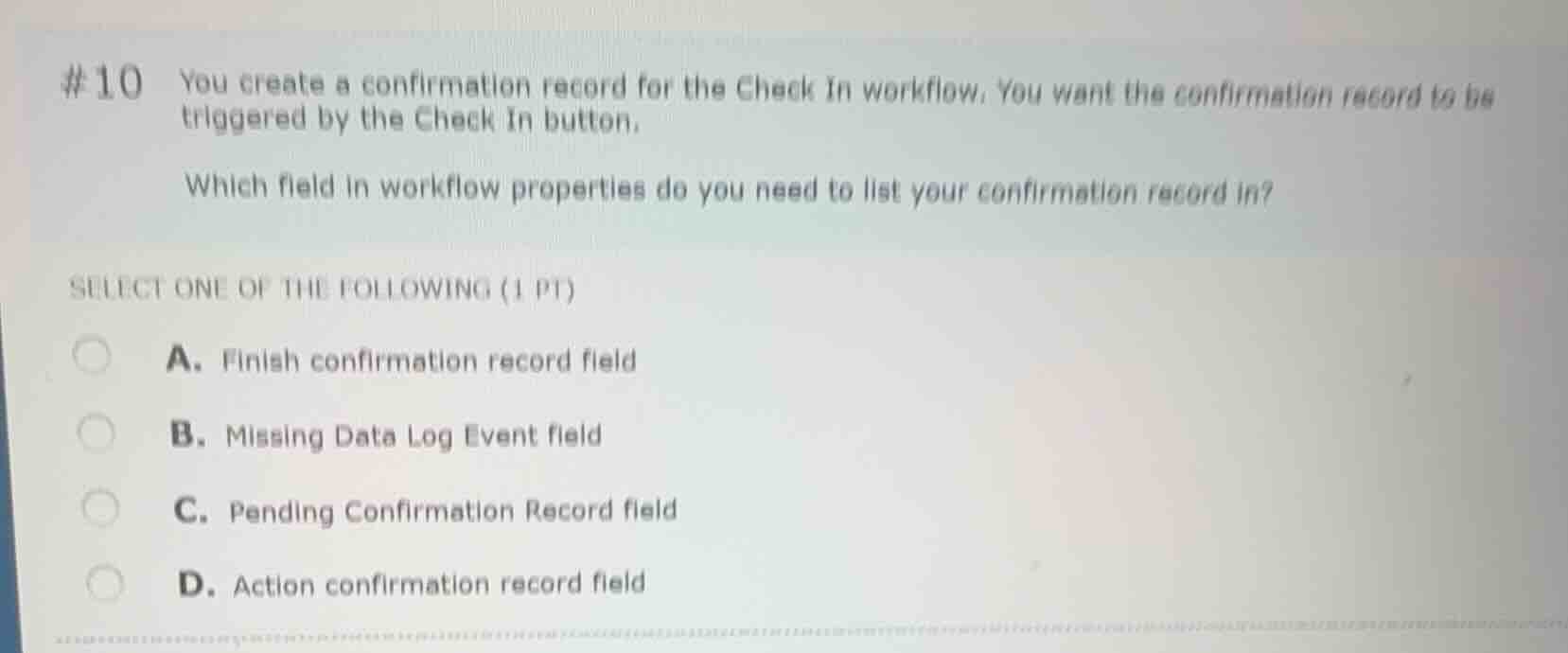
#10 you create a confirmation record for the check in workflow. you want the confirmation record to be triggered by the check in button.
which field in workflow properties do you need to list your confirmation record in?
select one of the following (1 pt)
a. finish confirmation record field
b. missing data log event field
c. pending confirmation record field
d. action confirmation record field
Identify the workflow trigger requirement
The question asks for the field in workflow properties where a confirmation record must be listed to be triggered by the "Check In" button.
Analyze the configuration fields
In Epic Grand Central and Prelude workflow configuration (such as Sign In or Check In workflows), confirmation records can be linked to different actions:
- The "Finish confirmation record" field triggers when the user clicks the "Finish" button.
- The "Action confirmation record" field triggers when a specific action button (like "Check In") is clicked.
Determine the correct option
Since the requirement is to trigger the confirmation record specifically by the "Check In" button (an action button), it must be listed in the "Action confirmation record" field.

Snap & solve any problem in the app
Get step-by-step solutions on Sovi AI
Photo-based solutions with guided steps
Explore more problems and detailed explanations
- (A) Finish confirmation record field
- (B) Missing Data Log Event field
- (C) Pending Confirmation Record field
- (D) Action confirmation record field (Correct answer)