QUESTION IMAGE
Question
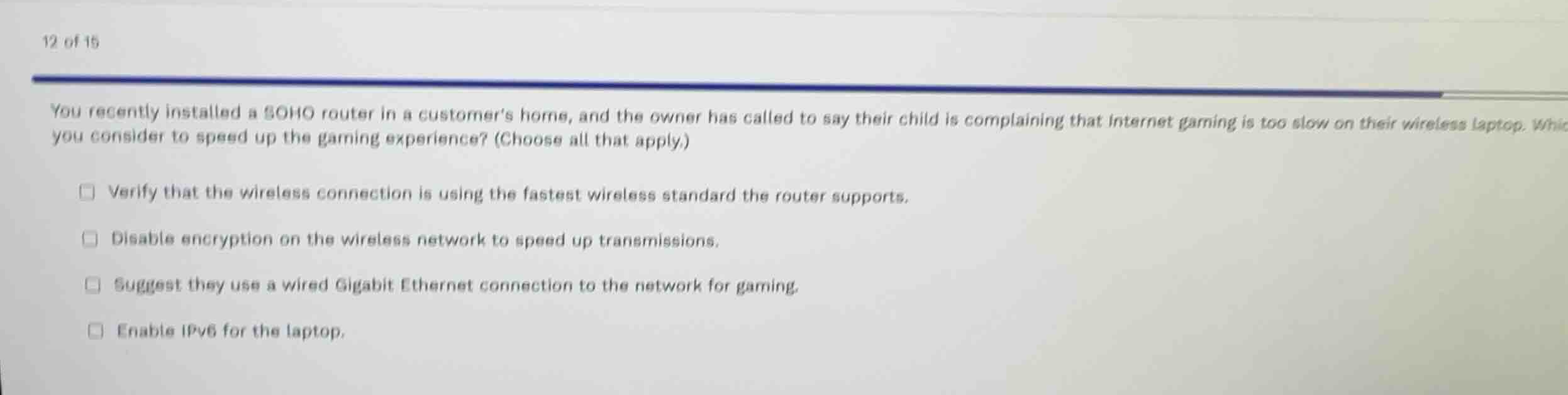
you recently installed a soho router in a customers home, and the owner has called to say their child is complaining that internet gaming is too slow on their wireless laptop. which of the following should you consider to speed up the gaming experience? (choose all that apply.)
- verify that the wireless connection is using the fastest wireless standard the router supports.
- disable encryption on the wireless network to speed up transmissions.
- suggest they use a wired gigabit ethernet connection to the network for gaming.
- enable ipv6 for the laptop.
Analyze the user's performance issue
The customer's child is experiencing slow internet gaming over a wireless laptop connection. Online gaming is highly sensitive to latency, packet loss, and signal stability, which are common issues with wireless connections.
Evaluate Option 1
Using the Wi-Fi Troubleshooting and Wireless Interference knowledge points:
Using an older, slower wireless standard (like 802.11g instead of 802.11ac/ax) limits throughput and increases latency. Ensuring the connection uses the fastest supported standard optimizes performance.
Evaluate Option 2
Disabling encryption is highly insecure and does not provide a meaningful speed improvement on modern hardware, which uses dedicated chips for hardware-accelerated encryption.
Evaluate Option 3
Using the Wi-Fi Troubleshooting and Wireless Interference knowledge points:
A wired Gigabit Ethernet connection completely eliminates wireless interference, signal degradation, and contention, providing the lowest latency and most stable connection for gaming.
Evaluate Option 4
Enabling IPv6 does not inherently speed up local wireless transmissions or resolve latency issues caused by Wi-Fi signal degradation.

Snap & solve any problem in the app
Get step-by-step solutions on Sovi AI
Photo-based solutions with guided steps
Explore more problems and detailed explanations
- Verify that the wireless connection is using the fastest wireless standard the router supports. (Correct answer)
- Disable encryption on the wireless network to speed up transmissions.
- Suggest they use a wired Gigabit Ethernet connection to the network for gaming. (Correct answer)
- Enable IPv6 for the laptop.