QUESTION IMAGE
Question
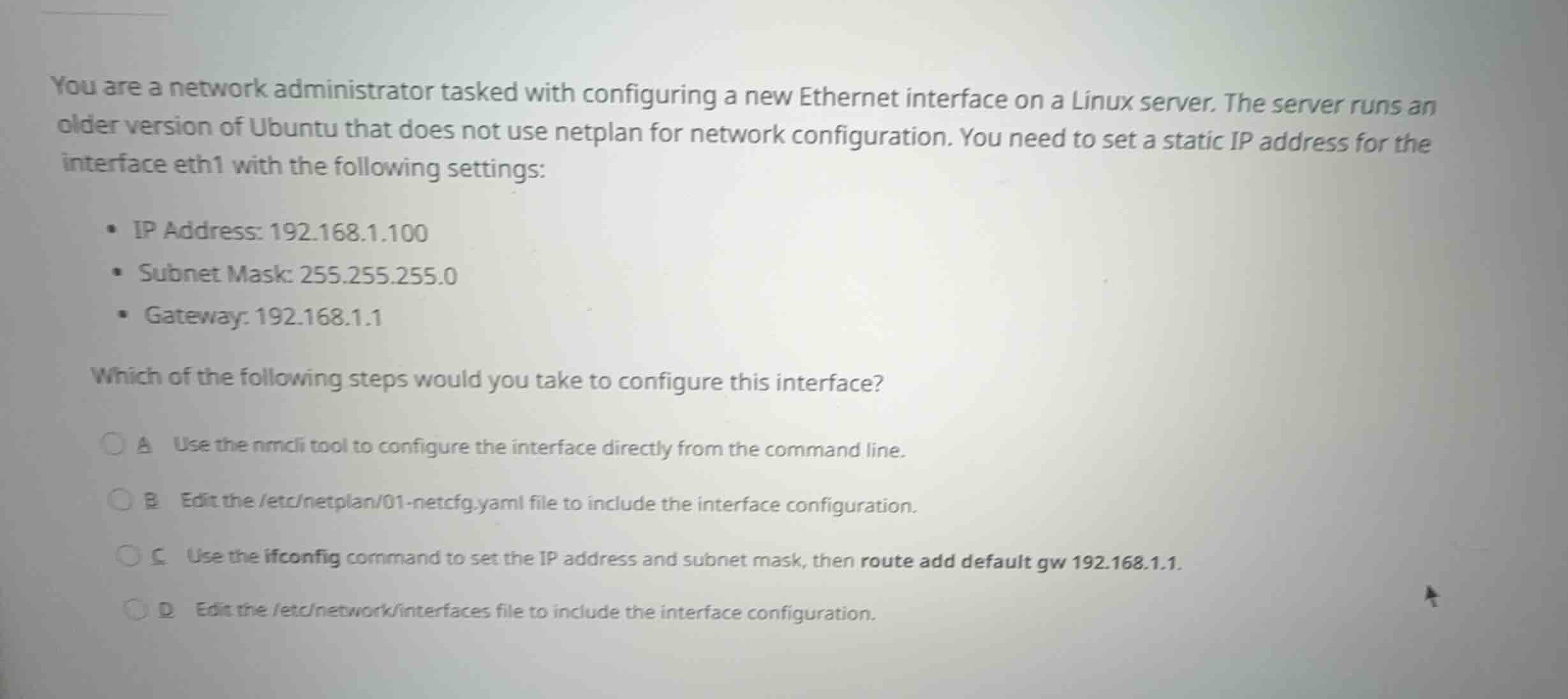
you are a network administrator tasked with configuring a new ethernet interface on a linux server. the server runs an older version of ubuntu that does not use netplan for network configuration. you need to set a static ip address for the interface eth1 with the following settings:
- ip address: 192.168.1.100
- subnet mask: 255.255.255.0
- gateway: 192.168.1.1
which of the following steps would you take to configure this interface?
a use the nmcli tool to configure the interface directly from the command line.
b edit the /etc/netplan/01-netcfg.yaml file to include the interface configuration.
c use the ifconfig command to set the ip address and subnet mask, then route add default gw 192.168.1.1.
d edit the /etc/network/interfaces file to include the interface configuration.
Analyze the system requirements
The scenario specifies configuring a static IP on an older Ubuntu server that does not use netplan.
Evaluate the configuration options
- Option A (
nmcli) is typically used on Red Hat-based systems or desktop environments with NetworkManager, not standard older Ubuntu servers. - Option B (
/etc/netplan/...) is explicitly ruled out because the prompt states the server does not usenetplan. - Option C (
ifconfigandroute) sets the configuration temporarily in memory, but does not persist across reboots. - Option D (
/etc/network/interfaces) is the standard configuration file for network interfaces on Debian and older Ubuntu systems (prior to the introduction of Netplan in Ubuntu 17.10) to configure persistent static IP settings.
Determine the correct step
Editing /etc/network/interfaces is the correct method to persistently configure the static IP settings on this system.

Snap & solve any problem in the app
Get step-by-step solutions on Sovi AI
Photo-based solutions with guided steps
Explore more problems and detailed explanations
- A Use the nmcli tool to configure the interface directly from the command line.
- B Edit the /etc/netplan/01-netcfg.yaml file to include the interface configuration.
- C Use the ifconfig command to set the IP address and subnet mask, then route add default gw 192.168.1.1.
- D Edit the /etc/network/interfaces file to include the interface configuration. (Correct answer)