QUESTION IMAGE
Question
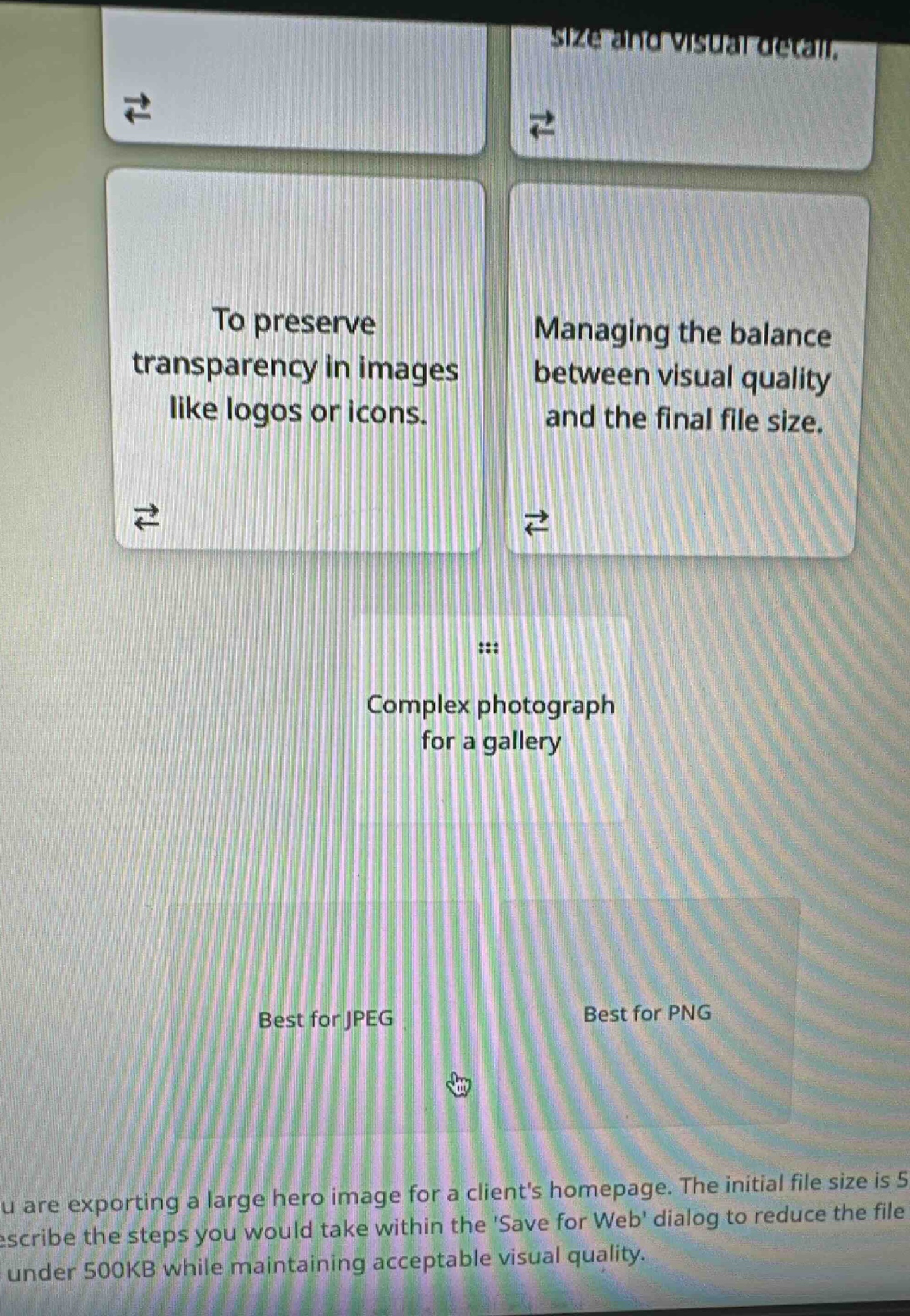
to preserve transparency in images like logos or icons.
managing the balance between visual quality and the final file size.
complex photograph for a gallery
best for jpeg
best for png
you are exporting a large hero image for a clients homepage. the initial file size is 5mb. describe the steps you would take within the save for web dialog to reduce the file size to under 500kb while maintaining acceptable visual quality.
🆕 New Concept Discovered: Image File Formats (JPEG vs. PNG)
Choosing the right format for different web needs.
Step 1: Analyze the card "To preserve transparency in images like logos or icons."
PNG (Portable Network Graphics) supports lossless compression and alpha-channel transparency, making it the standard choice for logos, icons, and graphics with transparent backgrounds.
- Classification: Best for PNG
Step 2: Analyze the card "Managing the balance between visual quality and the final file size."
JPEG (Joint Photographic Experts Group) uses lossy compression, which allows you to adjust the quality level (typically on a scale of 1 to 100) to find the optimal balance between file size and image quality.
- Classification: Best for JPEG
Step 3: Analyze the card "Complex photograph for a gallery"
Photographs contain millions of colors and complex gradients. JPEG is highly optimized for compressing continuous-tone photographic images efficiently without noticeable loss in quality, keeping file sizes manageable for web galleries.
- Classification: Best for JPEG
---

Snap & solve any problem in the app
Get step-by-step solutions on Sovi AI
Photo-based solutions with guided steps
Explore more problems and detailed explanations
- Best for JPEG:
- Managing the balance between visual quality and the final file size.
- Complex photograph for a gallery
- Best for PNG:
- To preserve transparency in images like logos or icons.