QUESTION IMAGE
Question
instructions
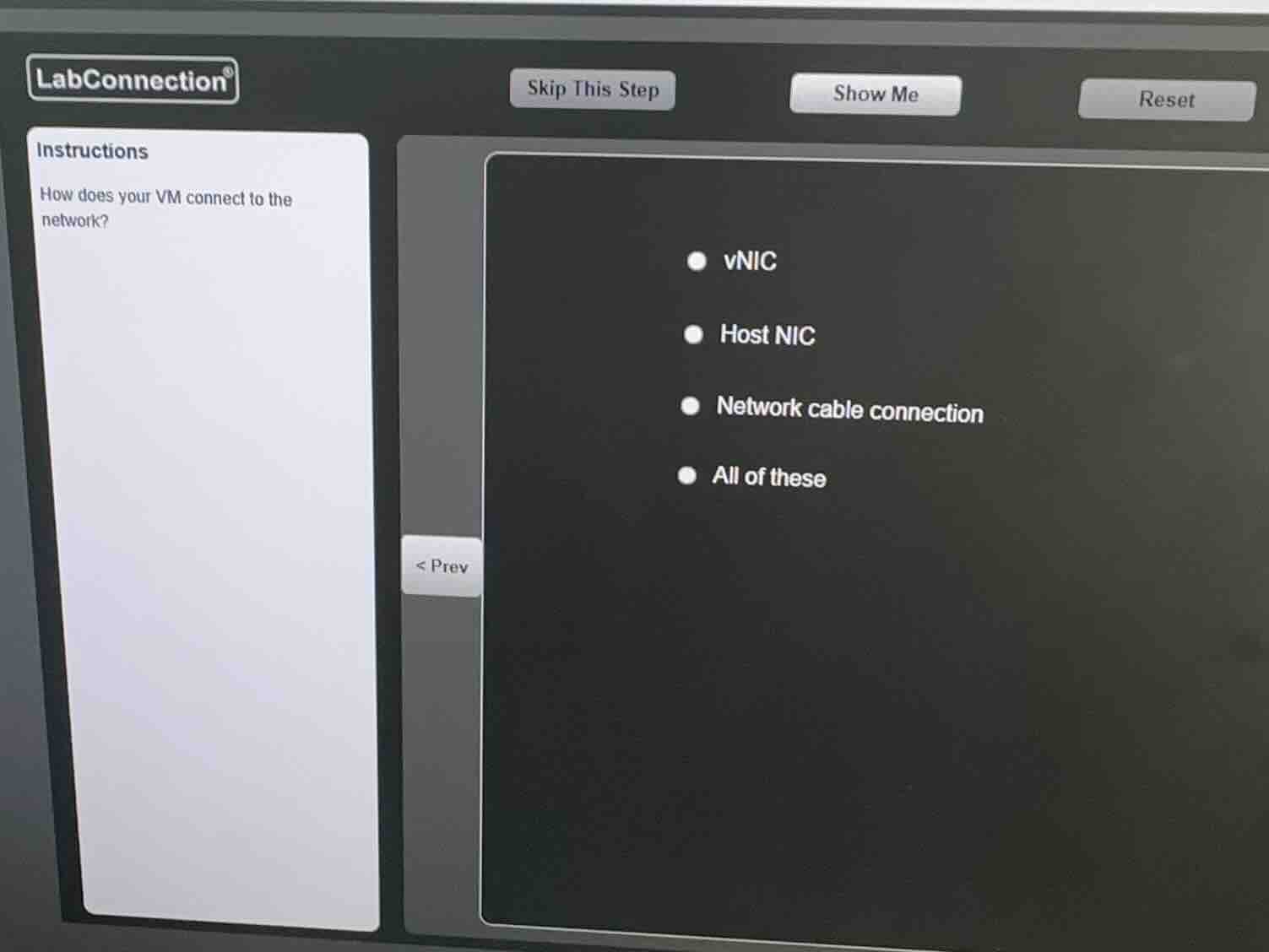
how does your vm connect to the network?
- vnic
- host nic
- network cable connection
- all of these
Identify the core question
The question asks: "How does your VM connect to the network?"
Analyze the role of a vNIC
A Virtual Machine (VM) requires a virtualized network adapter to communicate. This is known as a virtual Network Interface Card (vNIC). The vNIC is configured inside the VM's operating system settings.
Analyze the role of the Host NIC
The physical host machine running the hypervisor has a physical network adapter, known as the Host NIC. The virtual switch (vSwitch) bridges the vNIC of the VM to the physical Host NIC to send traffic out to the physical network.
Analyze the role of physical connections
For the host machine to reach the wider network, there must be a physical network cable connection (or wireless connection) plugged into the Host NIC. Therefore, all three components (vNIC, Host NIC, and physical network cable connection) are required in the path for a VM to connect to the external network.
Determine the correct option
Since a vNIC, a Host NIC, and a physical network cable connection are all necessary components in the network path of a virtual machine, the correct choice is "All of these".

Snap & solve any problem in the app
Get step-by-step solutions on Sovi AI
Photo-based solutions with guided steps
Explore more problems and detailed explanations
- vNIC
- Host NIC
- Network cable connection
- All of these (Correct answer)