QUESTION IMAGE
Question
Question was provided via image upload.
Identify the visible prompt and instructions
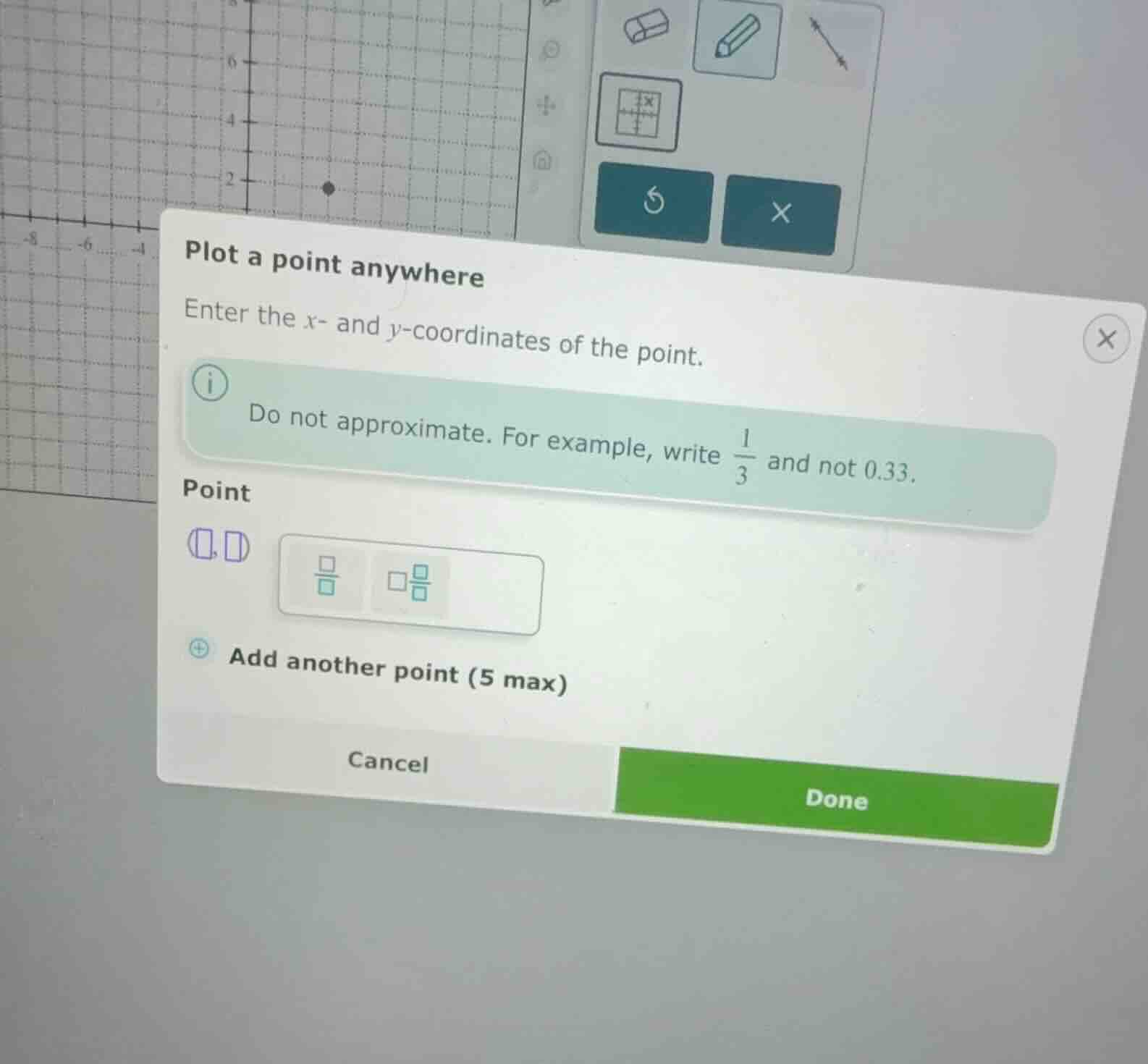
The image shows an interactive math interface dialog box titled "Plot a point anywhere".
The instruction states: "Enter the \(x\)- and \(y\)-coordinates of the point."
An informational note warns: "Do not approximate. For example, write \(\frac{1}{3}\) and not 0.33."
Analyze the missing context
The specific function, equation, or geometric condition determining which point to plot is cut off and not visible in the image. Only the general input tool for entering coordinates is shown.
Formulate a conditional explanation
Since the specific mathematical problem (the equation or function to plot) is not visible, we must explain how to use the interface to plot any desired point using exact values as instructed.
For any point \((x, y)\):
- Identify the exact coordinates required by your specific problem.
- Enter the \(x\)-coordinate in the first input box.
- Enter the \(y\)-coordinate in the second input box.
- Use the fraction template button if a coordinate is a non-integer fraction (e.g., \(\frac{1}{3}\)) to avoid decimal approximations.

Snap & solve any problem in the app
Get step-by-step solutions on Sovi AI
Photo-based solutions with guided steps
Explore more problems and detailed explanations
To plot a point using this tool:
- Identify the exact \(x\)- and \(y\)-coordinates of the point you need to plot from your specific problem description.
- Enter the \(x\)-coordinate in the first box: <blank>\(x\)</blank>
- Enter the \(y\)-coordinate in the second box: <blank>\(y\)</blank>
Note: If either coordinate is a fraction, use the fraction button in the input interface to enter it as an exact fraction (e.g., \(\frac{1}{3}\)) rather than a decimal approximation (e.g., 0.33).