QUESTION IMAGE
Question
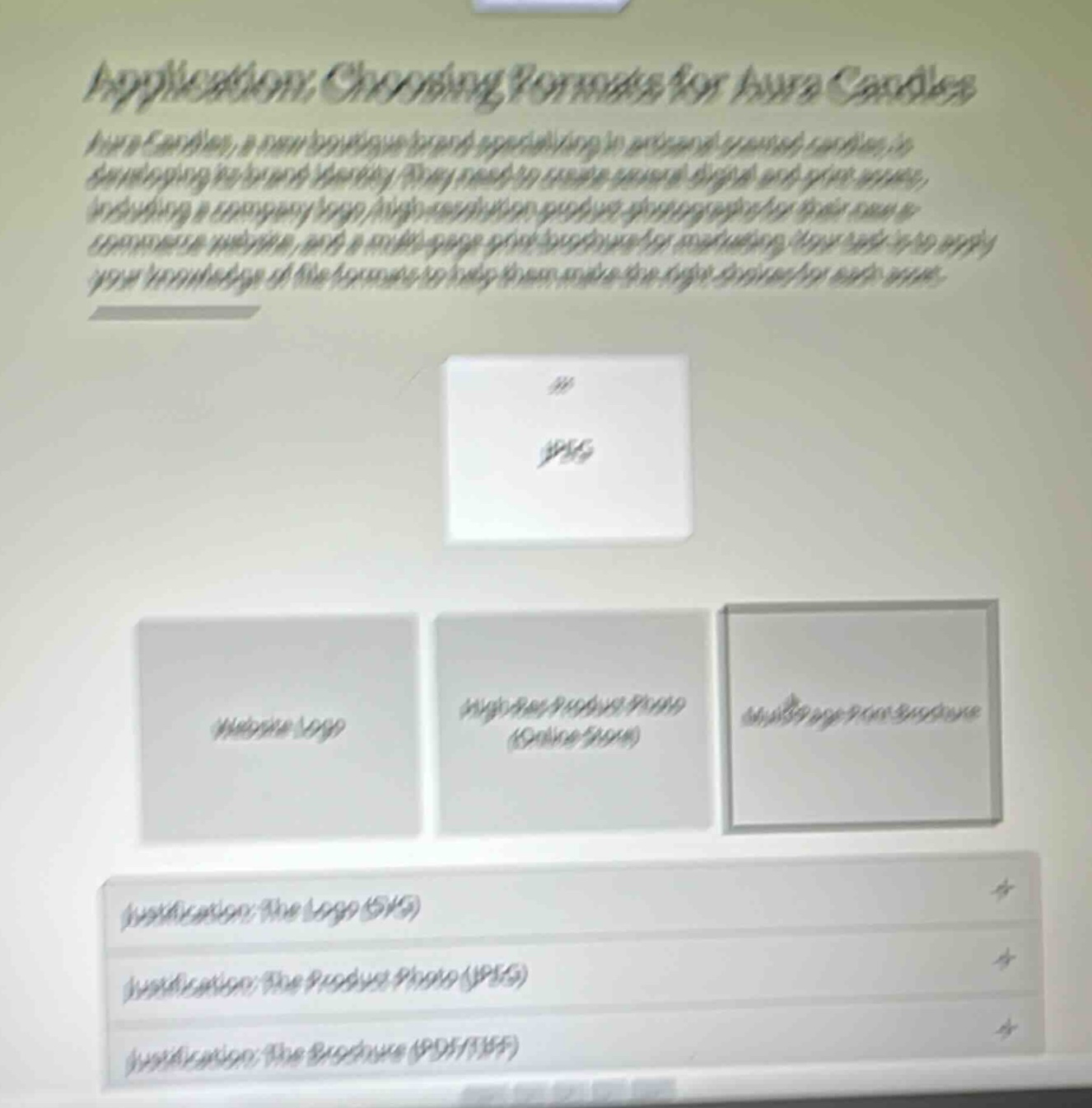
application: choosing formats for aura candles
aura candles, a new boutique brand specializing in artisanal scented candles, is developing its brand identity. they need to create several digital and print assets, including a company logo, high-resolution product photographs for their new e-commerce website, and a multi-page print brochure for marketing. your task is to apply your knowledge of file formats to help them make the right choices for each asset.
jpeg
website logo
high-res product photo (online store)
multi-page print brochure
justification: the logo (svg)
justification: the product photo (jpeg)
justification: the brochure (pdf/tiff)
🆕 New Concept Discovered: Digital Image File Formats
Choosing the right file extension based on use case (web, print, scalability).
Step 1: Analyze the Assets and Requirements
We need to match the correct digital file formats to three specific brand assets for "Aura Candles":
- Website Logo: Needs to be scalable without losing quality (vector-based) and support transparency so it fits seamlessly on a website header.
- High-Res Product Photo (Online Store): Needs to display rich, realistic colors and details of the physical candles while keeping the file size optimized for fast web loading.
- Multi-page Print Brochure: Needs to support high-quality print layouts, multiple pages, and be easily shareable or sent to a professional printer.
---
Step 2: Determine the Best File Format for Each Asset
- **Website Logo $
ightarrow$ SVG (Scalable Vector Graphics)**
- Why: Logos are vector designs. SVG allows the logo to scale infinitely to any screen size (mobile, desktop, retina displays) without pixelating, and natively supports transparent backgrounds.
- **High-Res Product Photo $
ightarrow$ JPEG (Joint Photographic Experts Group)**
- Why: JPEGs are the standard for digital photography on the web. They support millions of colors to show smooth gradients in candle wax and flames, while compressing the file size so the online store loads quickly.
- **Multi-page Print Brochure $
ightarrow$ PDF (Portable Document Format) or TIFF (Tagged Image File Format)**
- Why: A multi-page document intended for print requires a format that preserves layouts, fonts, and high-resolution graphics across different devices and printing presses. PDF is the industry standard for multi-page document distribution and printing. TIFF is used for uncompressed, high-quality individual print images.
---
Step 3: Match with the Interactive Interface
Looking at the options shown in the image:
- The card currently being dragged is JPEG.
- The target slots are:
- Website Logo (Best matched with SVG)
- High-Res Product Photo (Online Store) (Best matched with JPEG)
- Multi-page Print Brochure (Best matched with PDF / TIFF)
The dropdown justification panels at the bottom confirm these pairings:
- Justification: The Logo (SVG)
- Justification: The Product Photo (JPEG)
- Justification: The Brochure (PDF/TIFF)
Therefore, the JPEG card should be dragged and dropped into the High-Res Product Photo (Online Store) slot.

Snap & solve any problem in the app
Get step-by-step solutions on Sovi AI
Photo-based solutions with guided steps
Explore more problems and detailed explanations
- Website Logo $
ightarrow$ SVG
- High-Res Product Photo (Online Store) $
ightarrow$ JPEG
- Multi-page Print Brochure $
ightarrow$ PDF / TIFF (or PDF for the multi-page document)