QUESTION IMAGE
Question
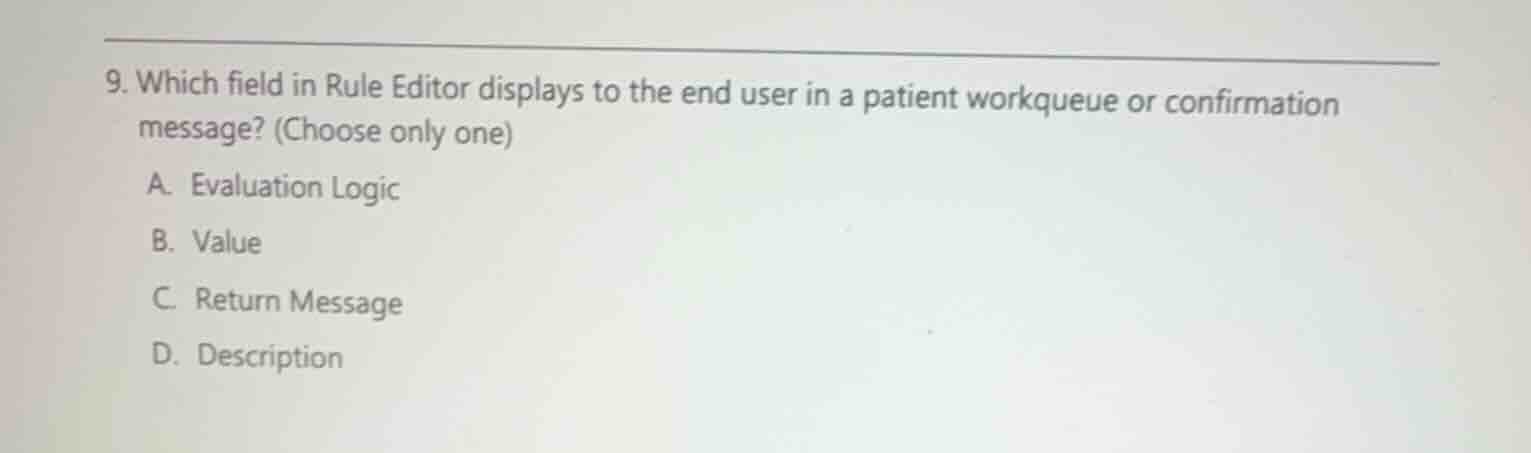
- which field in rule editor displays to the end user in a patient workqueue or confirmation message? (choose only one)
a. evaluation logic
b. value
c. return message
d. description
Analyze the Rule Editor fields
In Epic's Rule Editor (LQL), rules are built using properties, operators, and values. When a rule is used for validation (such as in a patient workqueue or a confirmation message), the system needs a way to communicate the specific issue or message to the end user.
Identify the user-facing field
The "Return Message" field in the Rule Editor is specifically designed to hold the text that displays to end users when the rule is evaluated (for example, explaining why a patient is in a workqueue or what needs to be corrected in a confirmation message).
Evaluate the options
- A. Evaluation Logic: Defines how the lines of the rule relate to one another (e.g., 1 AND 2).
- B. Value: The criteria value being compared against the property.
- C. Return Message: The text displayed to the end user in workqueues or confirmation messages.
- D. Description: An internal description of what the rule does.

Snap & solve any problem in the app
Get step-by-step solutions on Sovi AI
Photo-based solutions with guided steps
Explore more problems and detailed explanations
- (A) Evaluation Logic
- (B) Value
- (C) Return Message (Correct answer)
- (D) Description