QUESTION IMAGE
Question
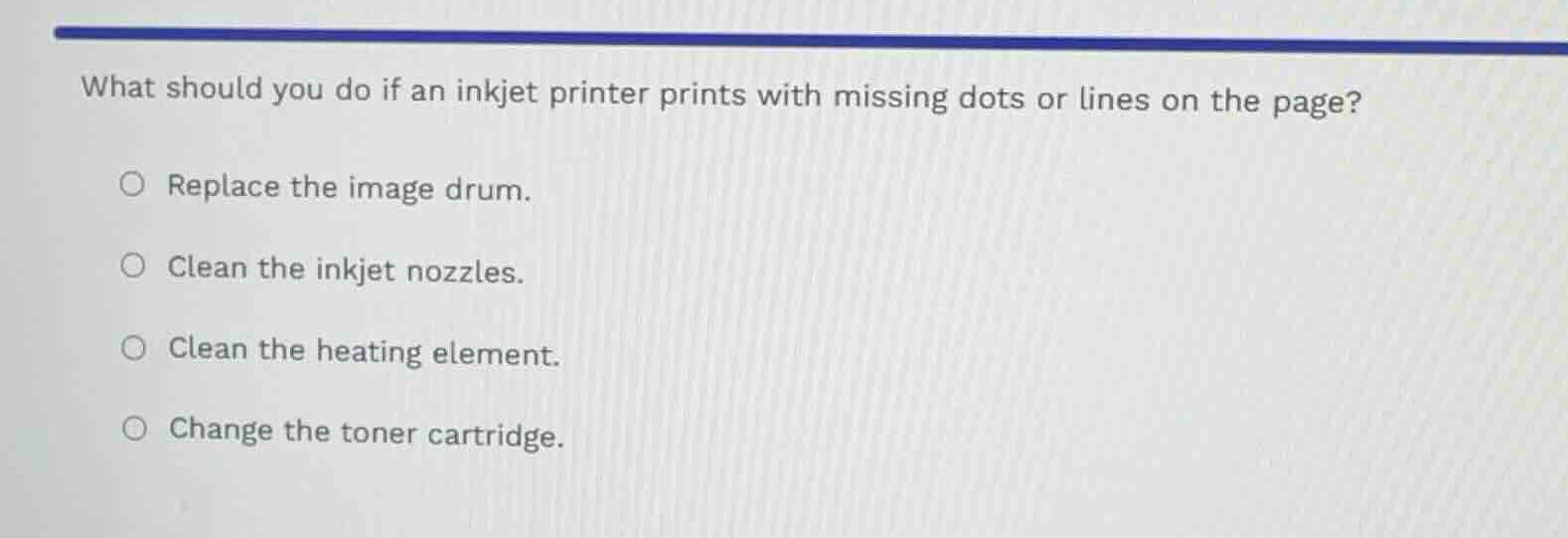
what should you do if an inkjet printer prints with missing dots or lines on the page?
replace the image drum.
clean the inkjet nozzles.
clean the heating element.
change the toner cartridge.
Identify the printer technology and symptom
The question asks about troubleshooting an inkjet printer that is printing with missing dots or lines on the page.
Evaluate the options based on inkjet mechanics
- Replace the image drum: Image drums are components of laser printers, not inkjet printers.
- Clean the inkjet nozzles: Clogged printhead nozzles prevent ink from spraying correctly, causing missing lines or dots. Cleaning them resolves this issue.
- Clean the heating element: Heating elements are found in thermal printers, not standard inkjet printers.
- Change the toner cartridge: Toner is used in laser printers, whereas inkjet printers use ink cartridges.

Snap & solve any problem in the app
Get step-by-step solutions on Sovi AI
Photo-based solutions with guided steps
Explore more problems and detailed explanations
- Replace the image drum.
- Clean the inkjet nozzles. (Correct answer)
- Clean the heating element.
- Change the toner cartridge.