QUESTION IMAGE
Question
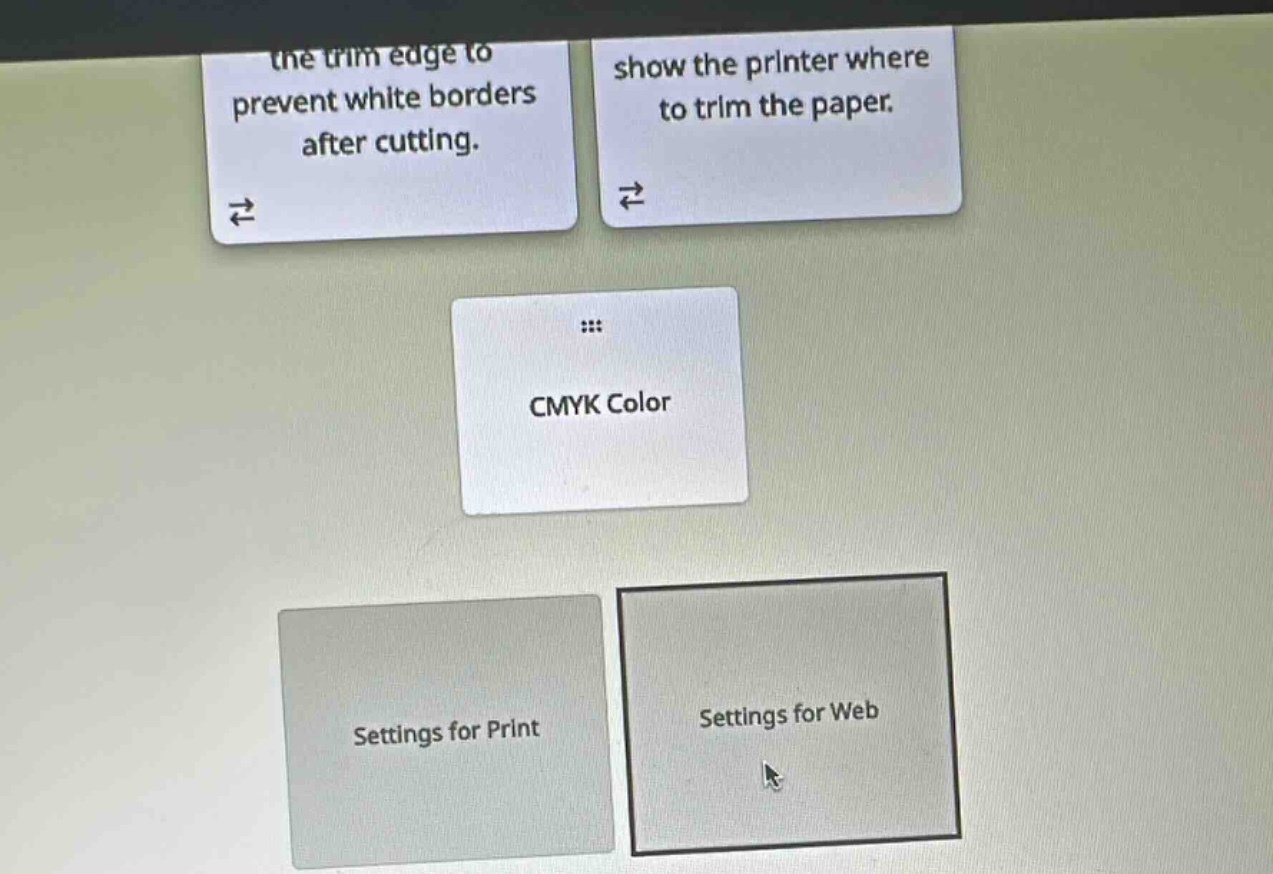
the trim edge to prevent white borders after cutting.
show the printer where to trim the paper.
cmyk color
settings for print
settings for web
🆕 New Concept Discovered: Print vs. Web Design Settings
Understanding color modes and document setups for different media.
Step 1: Understand CMYK Color
The CMYK color model stands for Cyan, Magenta, Yellow, and Key (Black).
- How it works: It is a subtractive color model used in physical printing. Printers mix these four ink colors to produce a full spectrum of colors on paper.
- Contrast with RGB: Digital screens (like phones, monitors, and TVs) use the RGB (Red, Green, Blue) additive color model because they emit light rather than reflecting ink.
Step 2: Match the Card to the Correct Category
Since CMYK is the standard color mode used for physical ink printing, the card CMYK Color belongs under the Settings for Print category.

Snap & solve any problem in the app
Get step-by-step solutions on Sovi AI
Photo-based solutions with guided steps
Explore more problems and detailed explanations
Settings for Print