QUESTION IMAGE
Question
Question was provided via image upload.
Analyze the program's current conditional structure
Using the Conditional Statements knowledge point
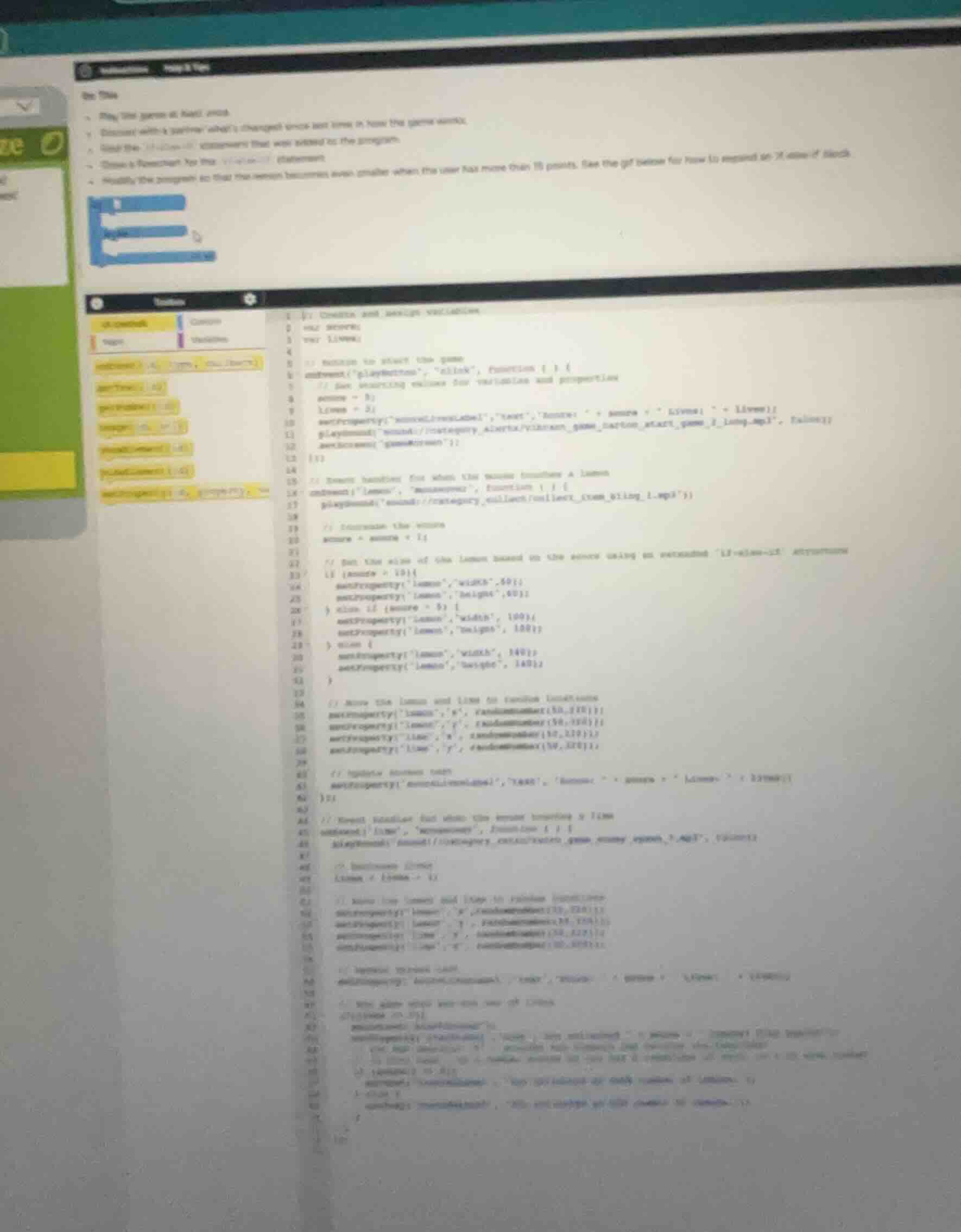
The code uses an if-else-if structure to set the size of the lemon based on the score:
- If
score >= 10, the width and height are set to50. - Else if
score >= 5, the width and height are set to100. - Else, the width and height are set to
140.
Determine the required modification
Using the Variable Assignment knowledge point
The prompt asks to modify the program so that the lemon becomes even smaller when the user has more than 15 points.
- We need to add a new condition at the top of the conditional chain:
if (score > 15)orif (score >= 16). - When this condition is met, we set the lemon's width and height to a value smaller than
50(for example,30).
Construct the updated code block
We insert the new condition at the beginning of the if-else-if structure to ensure it is evaluated first:
if (score > 15) {
  setProperty("lemon", "width", 30);
  setProperty("lemon", "height", 30);
} else if (score >= 10) {
  setProperty("lemon", "width", 50);
  setProperty("lemon", "height", 50);
} else if (score >= 5) {
  setProperty("lemon", "width", 100);
  setProperty("lemon", "height", 100);
} else {
  setProperty("lemon", "width", 140);
  setProperty("lemon", "height", 140);
}
Snap & solve any problem in the app
Get step-by-step solutions on Sovi AI
Photo-based solutions with guided steps
Explore more problems and detailed explanations
To make the lemon even smaller when the score is greater than 15, modify the conditional block (lines 22–31) as follows:
if (score > 15) {
  setProperty("lemon", "width", 30);
  setProperty("lemon", "height", 30);
} else if (score >= 10) {
  setProperty("lemon", "width", 50);
  setProperty("lemon", "height", 50);
} else if (score >= 5) {
  setProperty("lemon", "width", 100);
  setProperty("lemon", "height", 100);
} else {
  setProperty("lemon", "width", 140);
  setProperty("lemon", "height", 140);
}