QUESTION IMAGE
Question
Question was provided via image upload.
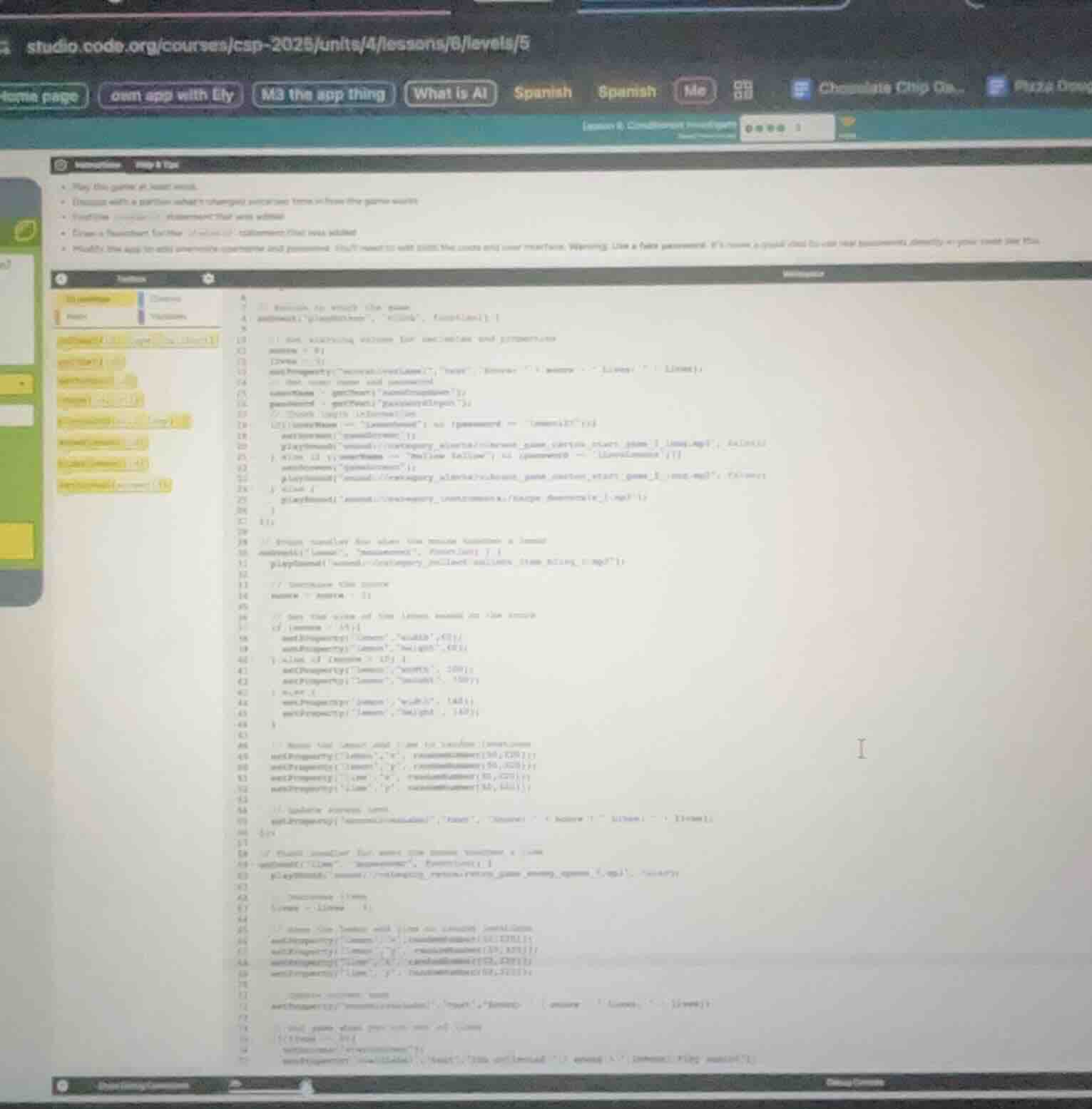
Analyze the workspace code
The image shows a Code.org App Lab workspace (CSP Unit 4 Lesson 8 Level 5). The instructions ask to play the game, discuss what changed, find the conditional statement that was added, draw a flowchart, and modify the app to add username and password checks.
Identify the added conditional
Looking closely at the code workspace, lines 18–24 contain a conditional statement checking the length of the password:if (password.length < 5 || password == "password") { ... } else { ... }
This conditional validates the user's input before allowing them to enter the game screen.
Formulate the modification steps
To modify the app to check both username and password:
- Retrieve the username input using
getText("usernameInput"). - Update the conditional statement to check if the username is empty or if the password does not meet the criteria.
- Update the UI feedback label to notify the user of incorrect or incomplete credentials.

Snap & solve any problem in the app
Get step-by-step solutions on Sovi AI
Photo-based solutions with guided steps
Explore more problems and detailed explanations
Based on the Code.org App Lab workspace shown in the image (CSP Unit 4 Lesson 8 Level 5), here is the analysis and guidance to complete the level:
1. The Added Conditional Statement
The conditional statement added to control access to the game is located inside the "playButton" event handler (around lines 18–24):
if (password.length < 5 || password == "password") {
  setProperty("feedbackLabel", "text", "Try again!...");
} else {
  setScreen("gameScreen");
  // Play game start sound...
}
This checks if the password is too short (less than 5 characters) or if it is simply the word "password". If either is true, it displays feedback; otherwise, it lets the user enter the game.
---
2. How to Modify the App (Username & Password Check)
To modify the app to validate both a username and a password, follow these steps:
- Get the Username Input:
Add a line to retrieve the text from the username input field:
var username = getText("usernameInput");- Update the Conditional Logic:
Modify the if statement to ensure the username is not empty and the password meets the security requirements:
   if (username == "" || password.length < 5 || password == "password") {
     setProperty("feedbackLabel", "text", "Invalid username or password!");
   } else {
     setScreen("gameScreen");
     playSound("soundURL");
   }