QUESTION IMAGE
Question
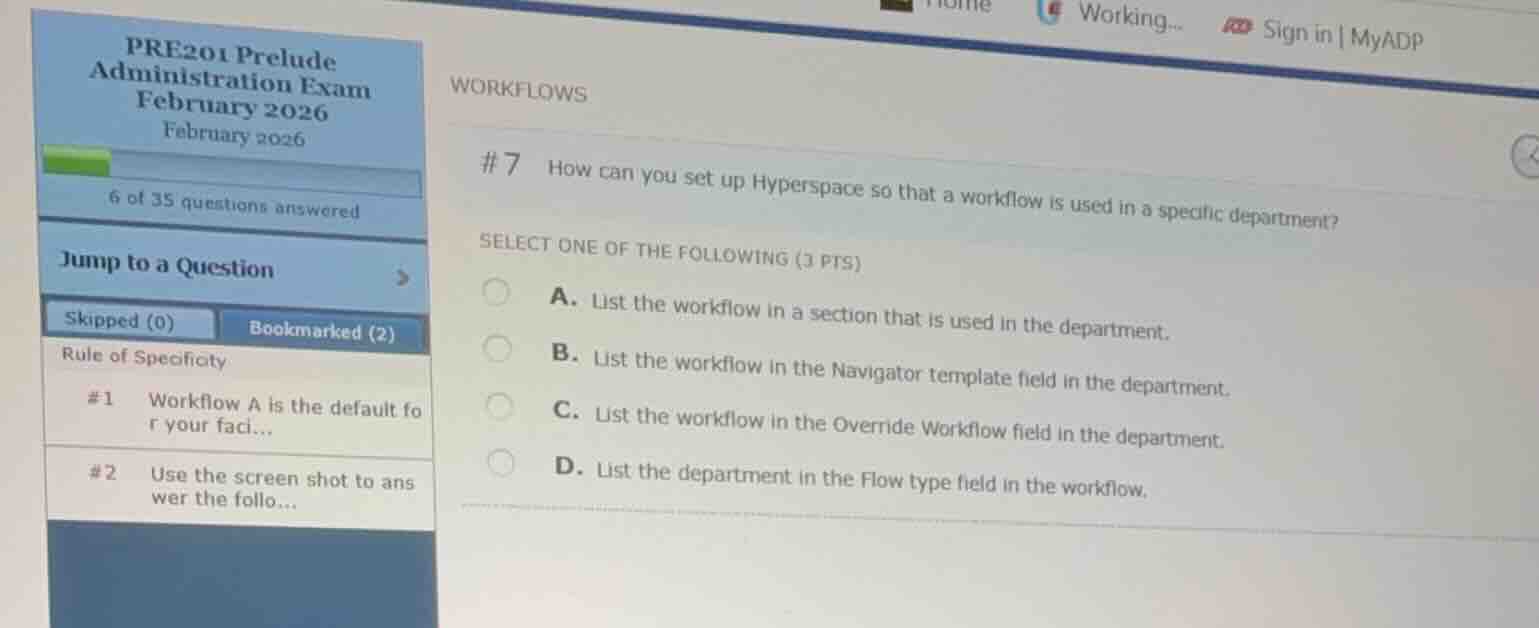
#7 how can you set up hyperspace so that a workflow is used in a specific department?
select one of the following (3 pts)
a. list the workflow in a section that is used in the department.
b. list the workflow in the navigator template field in the department.
c. list the workflow in the override workflow field in the department.
d. list the department in the flow type field in the workflow.
Identify the configuration level for department-specific workflows
In Epic's system configuration (such as Prelude and Grand Central), workflows (which are collections of navigators) can be assigned at various levels of the facility structure. To configure a specific department to use a particular workflow, you define that workflow in the department record.
Evaluate the options
- Option A suggests listing the workflow in a section, which is incorrect because sections are components of a workflow, not where the workflow itself is assigned to a department.
- Option B suggests listing the workflow in the "Navigator template" field, which is incorrect because workflows and navigator templates are distinct records.
- Option C suggests listing the workflow in the "Override Workflow" field in the department record. This is the correct field used to override the system or facility-level default workflow for a specific department.
- Option D suggests listing the department in the workflow record, which is incorrect because workflows are designed to be reusable across multiple departments and do not link back to departments in this manner.

Snap & solve any problem in the app
Get step-by-step solutions on Sovi AI
Photo-based solutions with guided steps
Explore more problems and detailed explanations
- A. List the workflow in a section that is used in the department.
- B. List the workflow in the Navigator template field in the department.
- C. List the workflow in the Override Workflow field in the department. (Correct answer)
- D. List the department in the Flow type field in the workflow.