QUESTION IMAGE
Question
confirmation records
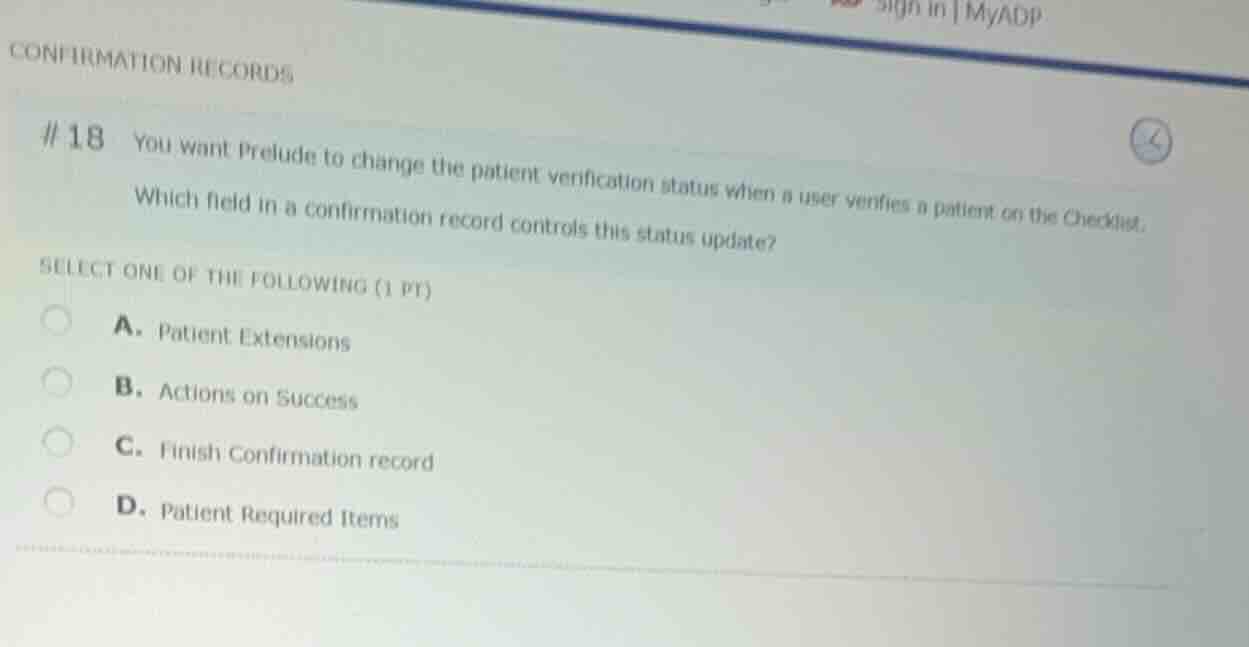
#18 you want prelude to change the patient verification status when a user verifies a patient on the checklist.
which field in a confirmation record controls this status update?
select one of the following (1 pt)
a. patient extensions
b. actions on success
c. finish confirmation record
d. patient required items
Identify the system configuration goal
The objective is to configure Epic Prelude to automatically update the patient verification status when a user completes verification on the Checklist. This configuration is managed within a confirmation record.
Analyze the confirmation record fields
In Epic's confirmation record configuration (specifically within verification confirmation records), the field that defines what actions or status changes occur upon successful completion of the verification checklist is "Actions on Success".
Evaluate the multiple-choice options
- A. Patient Extensions: Used to link custom code/extensions, not the standard status update action.
- B. Actions on Success: This field specifies the actions (such as updating the patient verification status) that occur when the checklist is successfully completed.
- C. Finish Confirmation record: Not a standard field controlling status updates.
- D. Patient Required Items: Defines which items are required for verification, not the post-success status update action.

Snap & solve any problem in the app
Get step-by-step solutions on Sovi AI
Photo-based solutions with guided steps
Explore more problems and detailed explanations
- (A) Patient Extensions
- (B) Actions on Success (Correct answer)
- (C) Finish Confirmation record
- (D) Patient Required Items