QUESTION IMAGE
Question
working with incoming responses
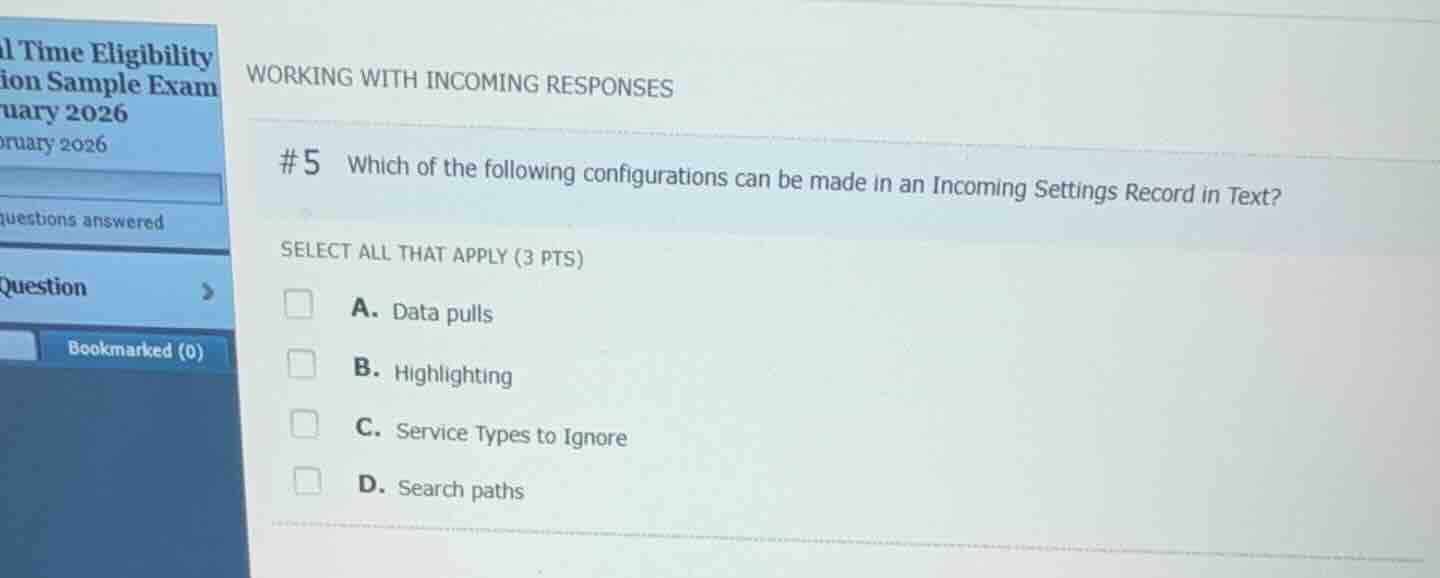
#5 which of the following configurations can be made in an incoming settings record in text?
select all that apply (3 pts)
a. data pulls
b. highlighting
c. service types to ignore
d. search paths
Analyze Incoming Settings Record configurations in Epic Text
In Epic Real-Time Eligibility (RTE) configuration, the Incoming Settings Record (within the HFL master file, configured in Text) determines how incoming eligibility response data is processed, mapped, and filtered.
Evaluate the given options
- A. Data pulls: Data pulls (extracting specific values from the incoming response to map to Epic items) are configured within the Incoming Settings Record.
- B. Highlighting: Highlighting rules (visual formatting of response data in Hyperspace) are configured in the Incoming Settings Record.
- C. Service Types to Ignore: Service types that should not trigger updates or should be ignored are configured in the Incoming Settings Record.
- D. Search paths: Search paths (used to locate segments/elements in the incoming EDI response) are configured in the Segment Search (HFL) records, not directly as a primary setting within the main Incoming Settings Record itself.
Determine the correct selections
The configurations made directly in an Incoming Settings Record in Text are Data pulls, Highlighting, and Service Types to Ignore.

Snap & solve any problem in the app
Get step-by-step solutions on Sovi AI
Photo-based solutions with guided steps
Explore more problems and detailed explanations
- A. Data pulls (Correct answer)
- B. Highlighting (Correct answer)
- C. Service Types to Ignore (Correct answer)
- D. Search paths