QUESTION IMAGE
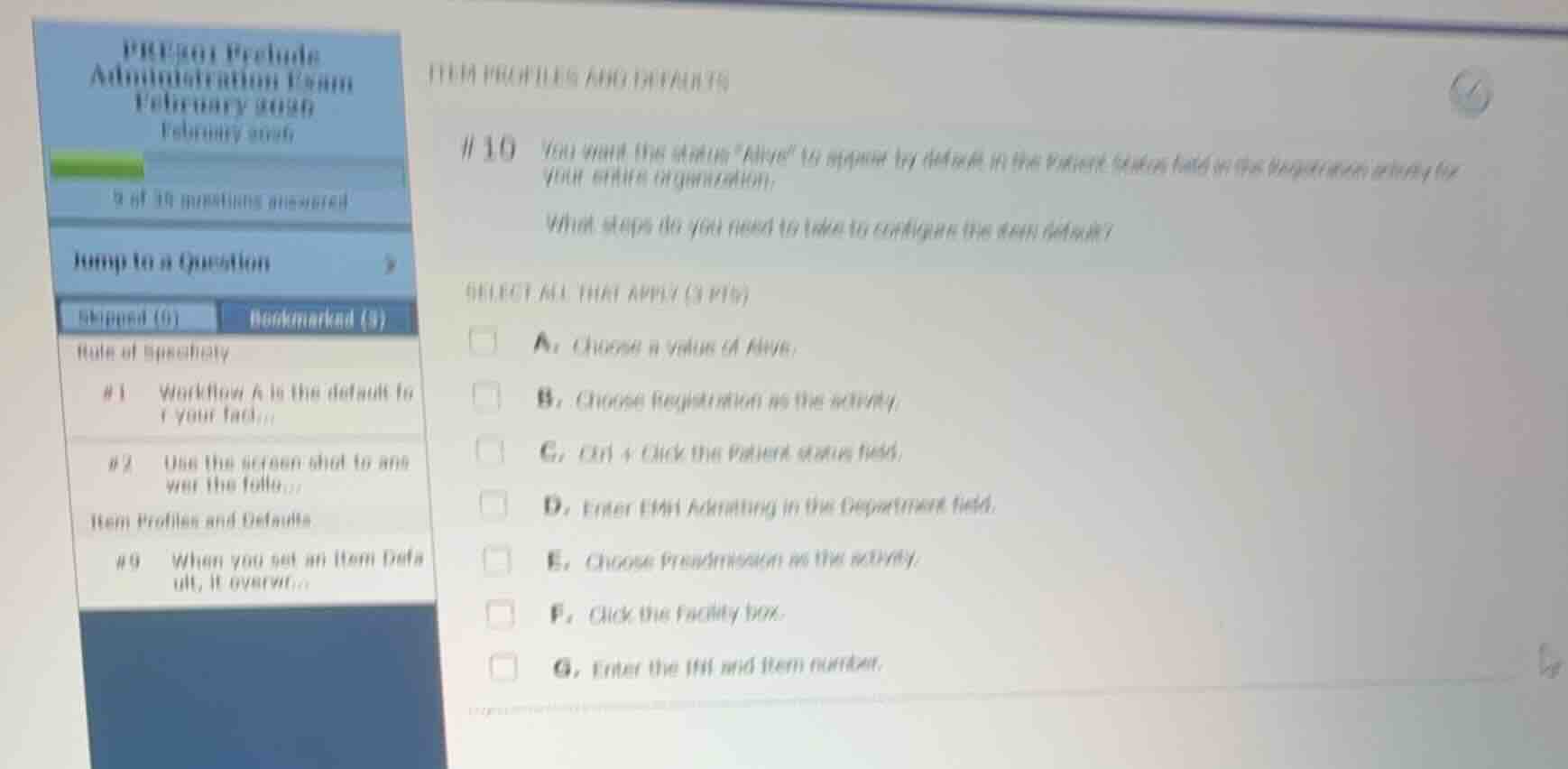
Question
Question was provided via image upload.
Identify the configuration goal and level
The goal is to set a default value of "Alive" in the "Patient Status" field within the Registration activity for the entire organization (facility level).
Determine the required steps for Item Defaults configuration
In Epic Prelude/Grand Central, configuring an Item Default at the facility level involves:
- Identifying the database item: Ctrl + Click the target field (Patient Status) to find its INI and item number.
- Specifying the default value: Choose a value of "Alive".
- Defining the scope: Click the "Facility" box to apply it organization-wide.
Match steps with the given options
- A. Choose a value of Alive: Correct (defines the default value).
- C. Ctrl + Click the Patient status field: Correct (used to identify the INI and item number).
- F. Click the Facility box: Correct (sets the scope to the entire organization).
- Other options (B, D, E, G) are either incorrect activities, too specific (department level), or not part of the standard workflow for setting a facility-level item default.

Snap & solve any problem in the app
Get step-by-step solutions on Sovi AI
Photo-based solutions with guided steps
Explore more problems and detailed explanations
- (A) Choose a value of Alive. (Correct answer)
- (B) Choose Registration as the activity.
- (C) Ctrl + Click the Patient status field. (Correct answer)
- (D) Enter EMH Admitting in the Department field.
- (E) Choose Preadmission as the activity.
- (F) Click the Facility box. (Correct answer)
- (G) Enter the INI and item number.