QUESTION IMAGE
Question
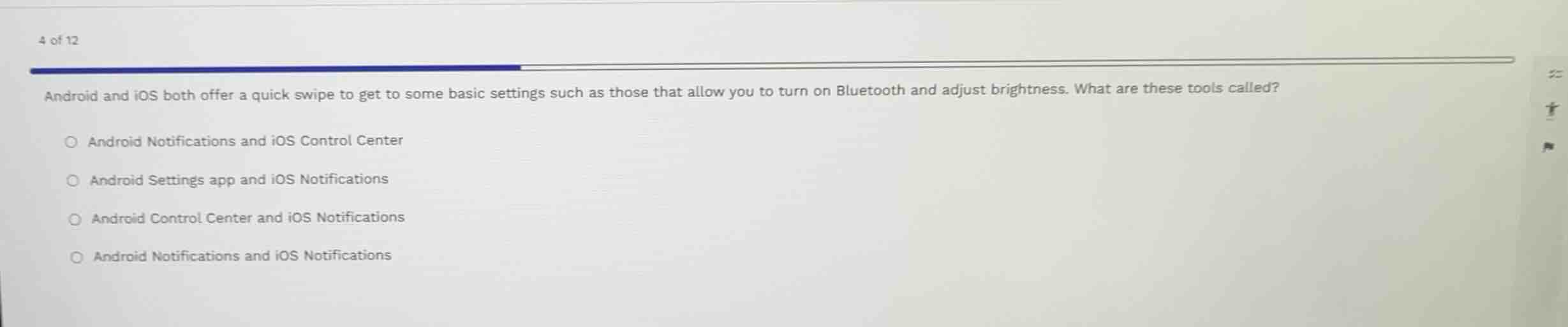
android and ios both offer a quick swipe to get to some basic settings such as those that allow you to turn on bluetooth and adjust brightness. what are these tools called?
android notifications and ios control center
android settings app and ios notifications
android control center and ios notifications
android notifications and ios notifications
Identify the quick swipe features for basic settings on Android and iOS
On Android, swiping down from the top of the screen opens the notification drawer/shade, which contains "Quick Settings" (often referred to broadly as Android Notifications or Quick Settings). On iOS, swiping from the top-right corner (or bottom of the screen on older devices) opens the "Control Center" to adjust settings like Bluetooth and brightness.
Match with the given options
- "Android Notifications and iOS Control Center" correctly identifies the respective quick-access panels.
- "Android Settings app" is a full application, not a quick swipe tool.
- "Android Control Center" is incorrect terminology, as Android does not call its panel the Control Center.
- "iOS Notifications" refers to the Notification Center, which displays notifications rather than the primary quick settings toggles (Control Center).

Snap & solve any problem in the app
Get step-by-step solutions on Sovi AI
Photo-based solutions with guided steps
Explore more problems and detailed explanations
- (A) Android Notifications and iOS Control Center (Correct answer)
- (B) Android Settings app and iOS Notifications
- (C) Android Control Center and iOS Notifications
- (D) Android Notifications and iOS Notifications